

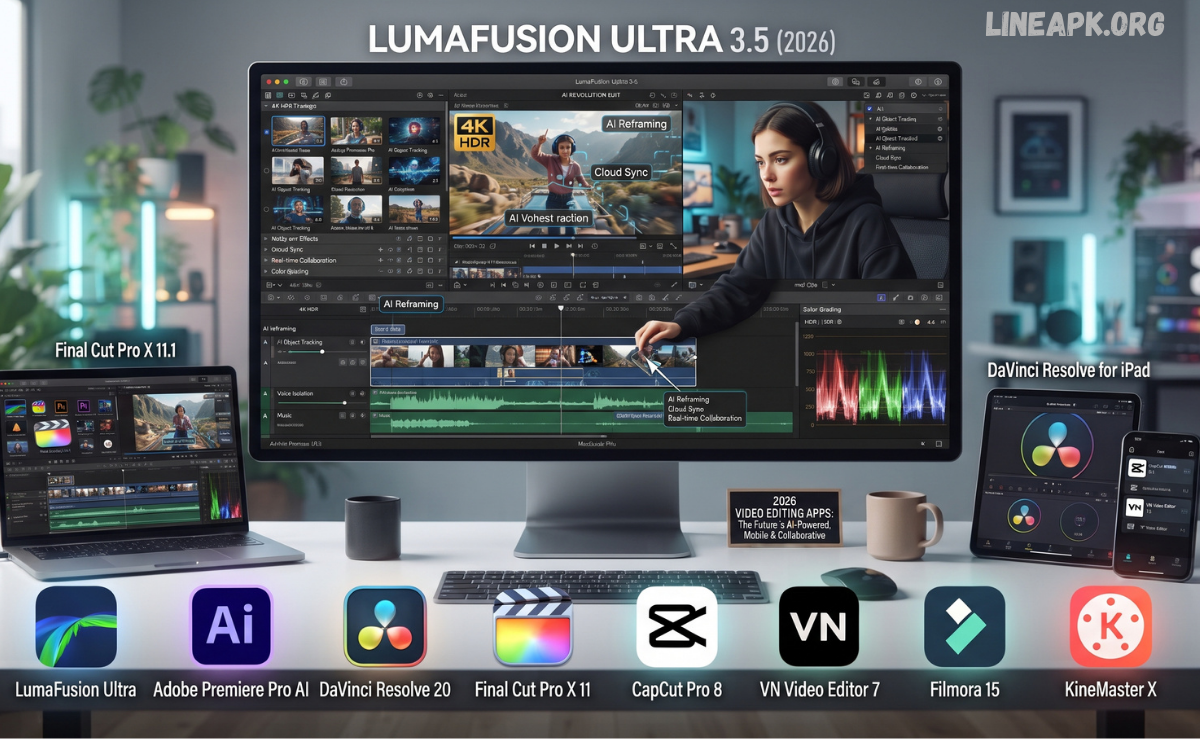
The demand for high-quality video content continues to grow across YouTube, TikTok, Instagram Reels, Facebook, and professional business platforms. As a result, the latest video editing apps are becoming more powerful, offering advanced AI features, professional editing tools, and user-friendly interfaces for creators of every skill level.
Whether you are a beginner creating your first social media video or a professional filmmaker producing cinematic content, choosing the right video editor can significantly improve your workflow. Modern editing applications now include AI-powered background removal, automatic subtitles, color grading, motion tracking, object removal, voice enhancement, and one-click video optimization.
Why Video Editing Apps Are More Important Than Ever
Video dominates digital marketing and online communication. Every day, millions of videos are uploaded to social media platforms. Businesses rely on promotional videos to attract customers, while influencers use creative editing to increase engagement.
Modern video editing apps help users:
- Produce professional-quality videos
- Add cinematic effects
- Improve storytelling
- Increase viewer retention
- Create viral short-form content
- Edit videos faster with AI
- Publish directly to social media
The latest generation of editing software focuses on speed, automation, and creativity.
Features to Look for in the Latest Video Editing Apps
Before downloading any editor, consider the features that matter most.
AI Video Editing
Artificial intelligence can automatically edit clips, remove unwanted objects, enhance audio, generate subtitles, and recommend transitions.
4K and 8K Editing
Professional creators require support for ultra-high-definition video without losing quality.
Multi-Layer Timeline
Advanced editors allow users to combine multiple video tracks, audio files, text, overlays, and effects.
Motion Graphics
Animated titles, stickers, transitions, and visual effects create more engaging videos.
Audio Editing
Professional apps include:
- Noise reduction
- Voice enhancement
- Equalizers
- Music synchronization
- Sound effects
Color Correction
Professional color grading tools improve brightness, contrast, saturation, and cinematic appearance.
Cloud Sync
Cloud storage enables creators to continue editing across multiple devices.
Direct Social Media Export
Publishing directly to YouTube, Instagram, TikTok, Facebook, and other platforms saves time.
Best Latest Video Editing Apps in 2026
Adobe Premiere Rush
Adobe Premiere Rush remains one of the most popular editing solutions for creators who want professional features with an easy learning curve.
Key Features
- Cross-platform editing
- AI audio cleanup
- Motion graphics
- Automatic resizing
- Cloud synchronization
- Multi-track editing
Best For
- YouTubers
- Social media creators
- Beginners
- Professionals needing fast edits
CapCut
CapCut continues to dominate short-form content creation with AI-powered editing tools.
Features
- AI captions
- Background removal
- Auto-cut editing
- Trending templates
- Voice changer
- Motion effects
- Green screen
Advantages
- Beginner friendly
- Fast exporting
- Large template library
DaVinci Resolve
DaVinci Resolve is considered one of the most powerful professional editing applications available.
Features
- Hollywood-level color grading
- Audio mastering
- Motion graphics
- Visual effects
- Multi-camera editing
Best For
Professional filmmakers and advanced editors.
Final Cut Pro
Final Cut Pro remains a preferred choice for Apple users because of its excellent optimization.
Features
- Magnetic timeline
- AI organization
- HDR editing
- Fast rendering
- Professional effects
Advantages
- Smooth performance
- Excellent export speed
- Advanced editing workflow
VN Video Editor
VN Video Editor has become a favorite among mobile creators.
Features
- No watermark
- Multi-layer editing
- Speed control
- Keyframe animation
- Music editing
Perfect For
- Instagram creators
- TikTok creators
- Students
- Beginners
KineMaster
KineMaster continues to improve with AI-powered editing.
Features
- Chroma key
- Voice recording
- Animation
- Multiple layers
- Color adjustment
- Professional transitions
PowerDirector
PowerDirector combines speed and professional editing capabilities.
Features
- AI object removal
- Face enhancement
- Sky replacement
- Motion tracking
- Professional templates
Filmora
Filmora is known for balancing simplicity with advanced editing features.
Rea Also: Latest Photo Editing Apps in 2026: The Ultimate Guide to the Best Mobile Photo Editors
Highlights
- Drag-and-drop editing
- AI music generation
- Smart masking
- Screen recording
- Audio ducking
- Motion tracking
InShot
InShot remains one of the easiest apps for beginners.
Features
- Trim videos
- Add music
- Filters
- Text animation
- Video compression
LumaFusion
LumaFusion offers desktop-level editing on mobile devices.
Features
- Multi-track editing
- Color correction
- Audio mixing
- Keyframe animation
- External storage support
AI Is Transforming Video Editing
Artificial intelligence has changed the editing process dramatically.
Modern AI tools can automatically:
- Remove silence
- Create subtitles
- Enhance voices
- Detect scenes
- Improve video quality
- Suggest music
- Generate highlights
- Remove background
- Track moving objects
These tools reduce editing time while improving overall quality.
Mobile vs Desktop Video Editing Apps
Mobile Editors
Advantages
- Portable
- Fast editing
- Easy sharing
- Perfect for social media
Disadvantages
- Smaller screen
- Limited advanced tools
Desktop Editors
Advantages
- Professional workflow
- Better performance
- Advanced effects
- More storage
Disadvantages
- Higher hardware requirements
- Less portable
How to Choose the Right Video Editing App
Choose an application based on your goals.
For beginners:
- InShot
- CapCut
- VN Video Editor
For YouTubers:
- Adobe Premiere Rush
- Filmora
- PowerDirector
For professionals:
- DaVinci Resolve
- Final Cut Pro
For social media creators:
- CapCut
- VN Video Editor
- InShot
Tips for Better Video Editing
Follow these professional editing practices.
- Plan your storyboard before editing.
- Keep videos concise and engaging.
- Use smooth transitions.
- Maintain consistent colors.
- Improve audio quality.
- Add subtitles for accessibility.
- Export in high resolution.
- Optimize videos for each platform.
- Avoid excessive visual effects.
- Use royalty-free music.
Common Mistakes to Avoid
Many creators make simple editing mistakes that reduce viewer engagement.
Avoid:
- Shaky footage
- Poor lighting
- Low-quality audio
- Overusing transitions
- Excessive filters
- Long intros
- Incorrect aspect ratios
- Low-resolution exports
Benefits of Using the Latest Video Editing Apps
Modern editing applications provide numerous advantages.
- Faster workflow
- Professional-quality videos
- AI automation
- Better storytelling
- Improved audience engagement
- Easy collaboration
- High-resolution exporting
- Cloud synchronization
- Time-saving templates
- Continuous feature updates
Future Trends in Video Editing
The future of video editing will continue to evolve with artificial intelligence and cloud computing.
Emerging trends include:
- AI-generated video editing
- Voice-controlled editing
- Automatic highlight generation
- Real-time collaboration
- Cloud rendering
- 3D editing tools
- AR and VR video production
- AI-powered script generation
- Smart video optimization
- Personalized editing assistants
These innovations will make professional editing accessible to everyone while significantly reducing production time.
Frequently Asked Questions
What are the latest video editing apps in 2026?
Some of the most popular options include Adobe Premiere Rush, CapCut, DaVinci Resolve, Final Cut Pro, Filmora, PowerDirector, KineMaster, VN Video Editor, InShot, and LumaFusion.
Which video editing app is best for beginners?
CapCut, InShot, and VN Video Editor offer intuitive interfaces, built-in templates, and simple editing tools suitable for beginners.
Which app is best for professional video editing?
DaVinci Resolve and Final Cut Pro provide advanced color grading, audio editing, visual effects, and professional production workflows.
Are free video editing apps good enough?
Yes. Many free editors include high-quality editing features, AI tools, transitions, effects, and 4K export options, making them suitable for most creators.
Can I edit 4K videos on my phone?
Many modern smartphones support 4K editing through apps like CapCut, LumaFusion, PowerDirector, and Adobe Premiere Rush.
Conclusion
The latest video editing apps have transformed content creation by making professional editing tools available to everyone. Whether you create YouTube videos, short-form social media content, educational tutorials, marketing campaigns, or cinematic productions, today’s editing software offers powerful AI features, intuitive interfaces, and high-quality export capabilities.
Selecting the right app depends on your experience level, editing style, device, and creative goals. Beginners may prefer simple mobile editors, while professionals benefit from advanced desktop software with comprehensive editing suites.
