

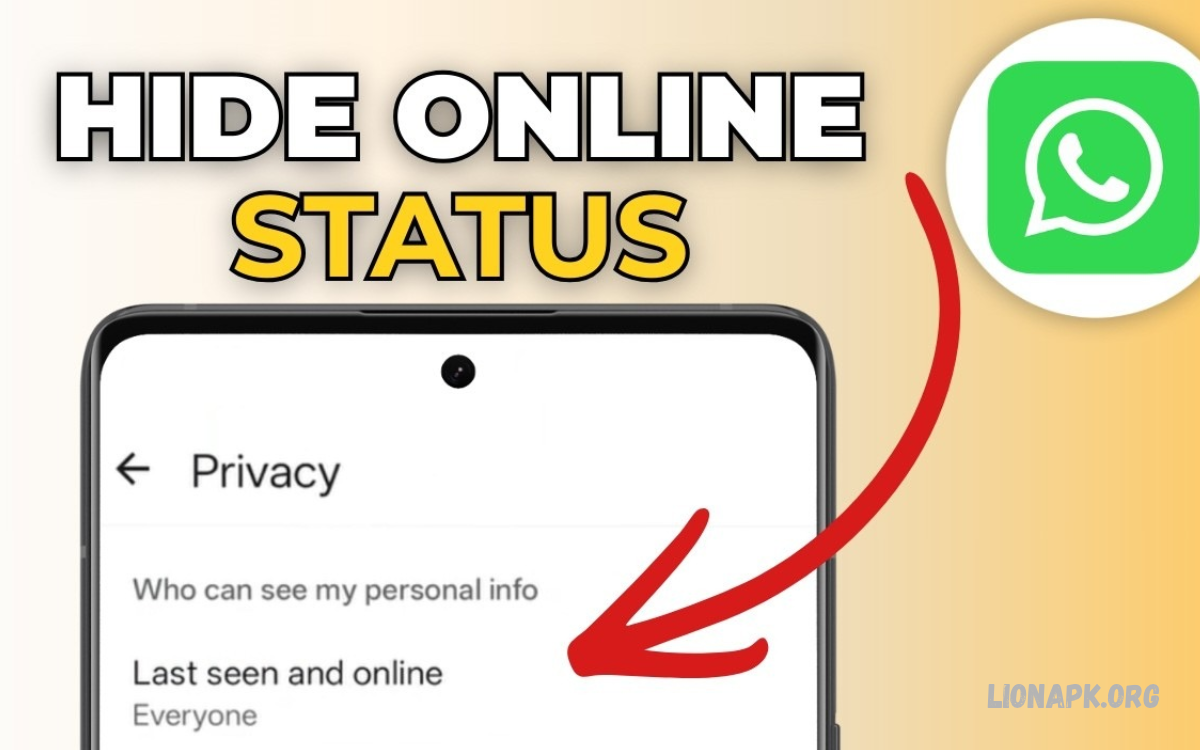
WhatsApp allows users to communicate through messages, voice calls, video calls, and group chats. However, some people prefer to keep their online activity private and not let others know when they are using the app.
Learning How to Hide Online Status on WhatsApp helps you control your privacy and decide who can see your activity. With the built-in privacy settings, you can hide your online status and manage who can view your last seen information.
What Is Online Status on WhatsApp?
Online status indicates that WhatsApp is open and connected to the internet on your device. When someone opens your chat, they may see the word “online” beneath your name if your privacy settings allow this information to appear.
Last seen and online status are different features. Last seen shows when you last used WhatsApp, while online status indicates that you are currently using the application. Adjusting both settings helps you maintain greater control over your visibility.
How to Hide Online Status on WhatsApp for Android
Android users can hide their online status through WhatsApp’s built-in privacy settings. The process is simple and doesn’t require installing additional apps or changing advanced phone settings.
Open WhatsApp on your Android device and follow the instructions below. Make sure you are using an updated version of the application because menu names and layouts may vary slightly between versions.
Step-by-Step Instructions for Android
First, open WhatsApp and tap the three-dot menu in the upper-right corner. Select Settings, then open Privacy to find the options related to your account’s visibility and activity.
Tap Last seen and online to access the relevant controls. Under “Who can see my last seen,” select your preferred audience, then choose Same as last seen under “Who can see when I’m online” to apply the same privacy level.
How to Hide Online Status on WhatsApp for iPhone
iPhone users can also hide their online status without using third-party tools. WhatsApp provides similar privacy controls on iOS, allowing users to manage last seen information and online visibility from the settings menu.
Open WhatsApp on your iPhone and tap Settings in the bottom-right corner. Select Privacy, then tap Last seen and online to access the available options and customize your visibility preferences.
Step-by-Step Instructions for iPhone
Under “Who can see my last seen,” select Nobody if you want to hide your last seen information from everyone. Alternatively, choose another available audience if you prefer sharing this information with selected contacts.
Next, find “Who can see when I’m online” and select Same as last seen. This setting helps ensure your online visibility follows your last seen privacy choice, subject to WhatsApp’s current feature behavior.
How to Hide Online Status From Everyone
If you want maximum privacy, WhatsApp allows you to restrict your last seen information and align your online visibility with that setting. Selecting Nobody for last seen and Same as last seen for online status hides these indicators from other users.
To enable this configuration, open Settings > Privacy > Last seen and online. Set “Who can see my last seen” to Nobody, then select Same as last seen for online visibility to apply the corresponding restriction.
How to Hide Online Status From Specific Contacts
Sometimes, you may want to hide your activity from certain people without limiting visibility for every contact. WhatsApp’s last seen settings include audience options that can help you exclude selected contacts while allowing others to see your information.
Open Settings > Privacy > Last seen and online, then select My contacts except… if this option appears in your version of WhatsApp. Choose the contacts you want to exclude and confirm your selection before returning to your chats.
Difference Between Last Seen and Online Status
Understanding the difference between last seen and online status is important when changing WhatsApp privacy settings. Although these features are related, they provide different information about your activity.
Last seen indicates the last time you were active on WhatsApp, while online status shows when you are currently using the application. Hiding only one indicator may not hide the other, so configure both options according to your privacy needs.
Can You Hide Online Status While Chatting?
Yes, WhatsApp’s privacy settings can restrict your online visibility even when you are actively using the application. When you configure the online audience as Same as last seen and restrict last seen visibility, other users generally cannot see your online indicator.
However, hiding online status does not make your account completely invisible. People may still receive your messages, see typing indicators in supported situations, or notice other activity depending on your settings and WhatsApp’s current behavior.
How to Hide Online Status Without Turning Off the Internet
You do not need to disable Wi-Fi or mobile data to hide your online status on WhatsApp. The application includes privacy controls designed to manage visibility while allowing you to continue sending and receiving messages.
Open the privacy settings and set your preferred last seen audience, then select Same as last seen for online visibility. This approach lets you use WhatsApp normally while limiting who can see when you are active.
How to Hide Online Status on WhatsApp Web
WhatsApp Web allows users to access their conversations through a computer browser. Online visibility generally follows the privacy settings on your WhatsApp account, though menus and features may change as WhatsApp updates its web experience.
To manage this setting, open WhatsApp on your phone and navigate to Settings > Privacy > Last seen and online. Choose the appropriate options, then use WhatsApp Web as usual to check your account’s privacy settings.
Why Can’t I Hide My Online Status on WhatsApp?
If you cannot find the online privacy option, your application may need an update or the settings menu may look different on your device. WhatsApp occasionally changes its interface, so the location of certain options can vary by version.
Update WhatsApp through the official Google Play Store or Apple App Store, then reopen the privacy settings. If the option remains unavailable, consult WhatsApp’s official Help Center for guidance specific to your device and application version.
Read Also: How to Hide WhatsApp Profile Picture: Complete Privacy Guide
Does Hiding Online Status Affect Messages and Calls?
Hiding online status changes what other users can see about your activity; it does not normally prevent you from sending messages or receiving calls. You can continue using individual chats, group conversations, voice messages, and supported calling features.
Your privacy settings may affect what you can see about other people’s activity as well. WhatsApp may limit your ability to view others’ last seen information when you choose not to share yours, depending on the applicable privacy rules.
Benefits of Hiding Online Status on WhatsApp
Hiding online status gives you greater control over your digital privacy. You can read and respond to messages according to your schedule without displaying an online indicator to everyone who opens your chat.
This setting can also reduce unwanted attention and pressure to reply immediately. However, it does not prevent people from sending messages or guarantee that they will not infer your activity from message delivery, replies, or other visible indicators.
Common Mistakes to Avoid When Hiding Online Status
One common mistake is changing last seen settings without checking the separate online visibility option. If these settings are configured differently, your online status may remain visible to an audience you did not intend.
Another mistake is downloading unofficial applications that promise additional privacy features. Such applications may expose personal information, compromise account security, or violate WhatsApp’s terms. Use the official privacy settings whenever possible.
Tips for Improving WhatsApp Privacy
Online visibility is only one part of protecting your WhatsApp account. Reviewing other privacy options can help you decide who can access your profile information, contact you, add you to groups, or view your updates.
Consider reviewing profile photo visibility, About information, Status audience, group permissions, and read receipts. You can also enable two-step verification and keep WhatsApp updated to improve account security and maintain access to newer privacy features.
Frequently Asked Questions
Can I completely hide my online status on WhatsApp?
Yes, you can generally hide it by setting last seen visibility to Nobody and online visibility to Same as last seen. The exact menu names may vary depending on your WhatsApp version.
Can I hide online status from one person only?
You can use My contacts except… for last seen privacy when the option is available. Set online visibility to Same as last seen so the online setting follows your selected audience.
Will someone know when I am online if I hide my status?
WhatsApp restricts your online indicator based on your selected privacy settings. However, other visible actions, such as sending a message or responding in a chat, may still indicate that you are active.
Can I hide online status without blocking someone?
Yes, blocking is not required. WhatsApp’s privacy settings let you restrict online visibility without blocking contacts or stopping regular communication.
Does hiding online status hide blue ticks?
No. Online status and read receipts are separate settings. If you also want to manage blue ticks, review Settings > Privacy > Read receipts and adjust the option where available.
Can I hide online status on WhatsApp Business?
WhatsApp Business generally provides privacy controls similar to those in the standard application. Open the privacy settings and check the available Last Seen and Online options for your account.
Conclusion
Learning how to Hide Your Online Status on WhatsApp lets you manage your visibility while still communicating with friends, family, and colleagues. The process is straightforward on Android and iPhone, using built-in privacy options without extra apps.
For stronger privacy, set your last seen audience according to your preference and choose Same as last seen for online visibility. Review your other privacy settings regularly to keep your WhatsApp experience secure, comfortable, and suited to your needs.
