

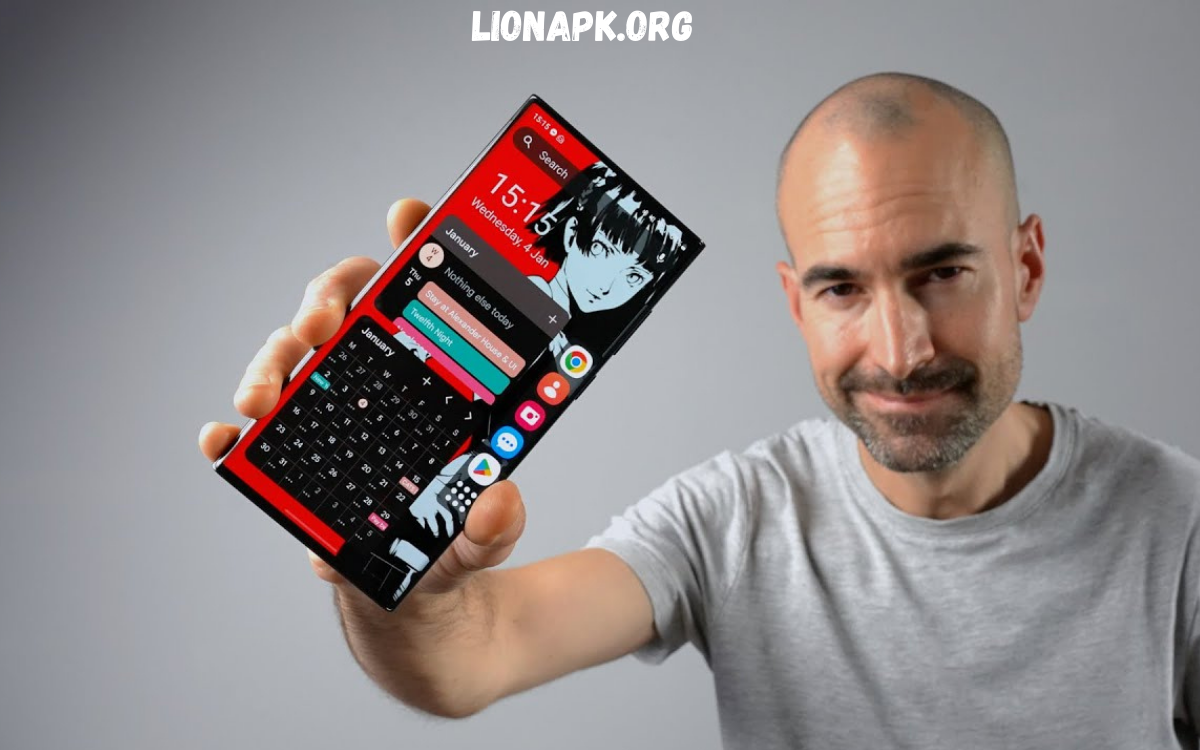
Android devices offer flexibility and customization unmatched by other mobile platforms. One of the most effective ways to enhance Android usability, performance, and visual appeal is through launcher apps. Launchers act as gateways to apps, widgets, and system functionality, giving users full control over home screens, icons, gestures, and layouts.
Choosing the right launcher can transform a device from ordinary to highly personalized. This guide highlights top launcher apps for Android, helping users identify options that align with style, productivity, and performance needs.
Nova Launcher
Nova Launcher remains a benchmark for Android customization. With extensive control over grid layouts, icon packs, themes, gestures, and app drawer organization, Nova allows users to create unique interfaces tailored to individual preferences. Its speed and efficiency make it suitable for devices of all performance levels. Nova supports advanced features like custom scroll effects, backup and restore settings, notification badges, and integration with third-party apps. Users seeking complete control over every interface element consistently rate Nova as a top launcher app for Android.
Niagara Launcher
Niagara Launcher offers a minimalist, streamlined alternative for users focused on simplicity and efficiency. By replacing traditional home screens with a vertical, alphabetically organized app list, Niagara maximizes one-handed usability. Notifications appear directly alongside apps, ensuring users never miss important updates. Lightweight and fast, Niagara reduces clutter while delivering smooth performance, making it ideal for users who prefer a distraction-free Android experience.
Smart Launcher 6
Smart Launcher 6 combines automatic organization, intuitive gestures, and a visually appealing interface. Its core feature, app categorization, ensures apps appear in logical groups for rapid access. Customizable themes and layouts enhance visual appeal, while minimalist design principles keep performance optimized. Smart Launcher 6 suits users seeking effortless organization, quick navigation, and a clean interface without extensive setup.
Microsoft Launcher
Microsoft Launcher integrates Android devices with Microsoft ecosystem tools. Calendar synchronization, to-do lists, Outlook integration, and OneDrive connectivity streamline productivity across devices. Customization options include themes, icon packs, gestures, and personalized feeds. Microsoft Launcher caters to professionals and users who prioritize seamless workflow, productivity management, and Windows-PC integration.
Lawnchair Launcher
Lawnchair Launcher blends stock Android aesthetics with enhanced customization. Users enjoy Pixel-style interfaces, advanced icon packs, flexible layouts, and theme control. Lawnchair emphasizes simplicity while providing personalization options, making it a top choice for those seeking a familiar, clean Android experience with minor enhancements.
Hyperion Launcher
Hyperion Launcher delivers a balance between customization and performance. Smooth animations, theme flexibility, gesture controls, and icon support allow users to craft a tailored interface. Hyperion appeals to users who desire Nova-level control without excessive complexity. Its lightweight design ensures fast, responsive navigation across devices.
Action Launcher
Action Launcher combines productivity and customization in a single solution. Innovative features such as app covers, shutters, gestures, and theme support allow users to access apps quickly while maintaining a polished interface. Action Launcher suits users seeking high functionality, speed, and visual flexibility in a professional and daily-use context.
Read Also: Earn Money From Android Phone – Ultimate Guide 2025
GB WhatsApp Features 2025 – Complete Professional Guide to Advanced Messaging Capabilities
Choosing the Right Launcher
Selecting a launcher depends on personal priorities:
- Customization enthusiasts: Nova, Hyperion, Action Launcher
- Minimalist users: Niagara, Lawnchair, Smart Launcher 6
- Productivity-focused users: Microsoft Launcher
- Simple, ready-to-use solutions: Smart Launcher 6, Lawnchair
Performance, battery optimization, visual design, and workflow integration should guide decisions. Android launchers not only improve usability but also allow personal expression through interface design, turning every device into a tailored experience.
Frequently Asked Questions
What is an Android launcher app?
An Android launcher app controls the home screen, app drawer, icons, widgets, and gestures, allowing users to customize device appearance and navigation.
Which launcher app is best for customization?
Nova Launcher and Hyperion Launcher are top choices for users who want full control over layouts, themes, icons, and gestures.
Which launcher is best for minimalism?
Niagara Launcher and Lawnchair Launcher offer clean, lightweight, and distraction-free interfaces.
Can launchers improve Android performance?
Yes, lightweight launchers like Niagara or Smart Launcher 6 can reduce system resource usage and improve speed.
Are launcher apps safe to install?
Most popular launchers from Google Play are safe, but users should avoid unknown sources to protect privacy and security.
Do launchers work on all Android devices?
Most launchers support Android 6.0 and above, but performance may vary depending on device hardware.
Conclusion
Top launcher apps for Android transform smartphones and tablets into highly functional, visually pleasing, and personalized devices. Nova Launcher, Niagara Launcher, Smart Launcher 6, Microsoft Launcher, Lawnchair, Hyperion, and Action Launcher represent leading options in customization, minimalism, and productivity.
Choosing the right launcher enhances efficiency, user satisfaction, and device longevity. Android users seeking full control over aesthetics, workflow, and navigation can benefit greatly by exploring these top launcher apps for Android.
