

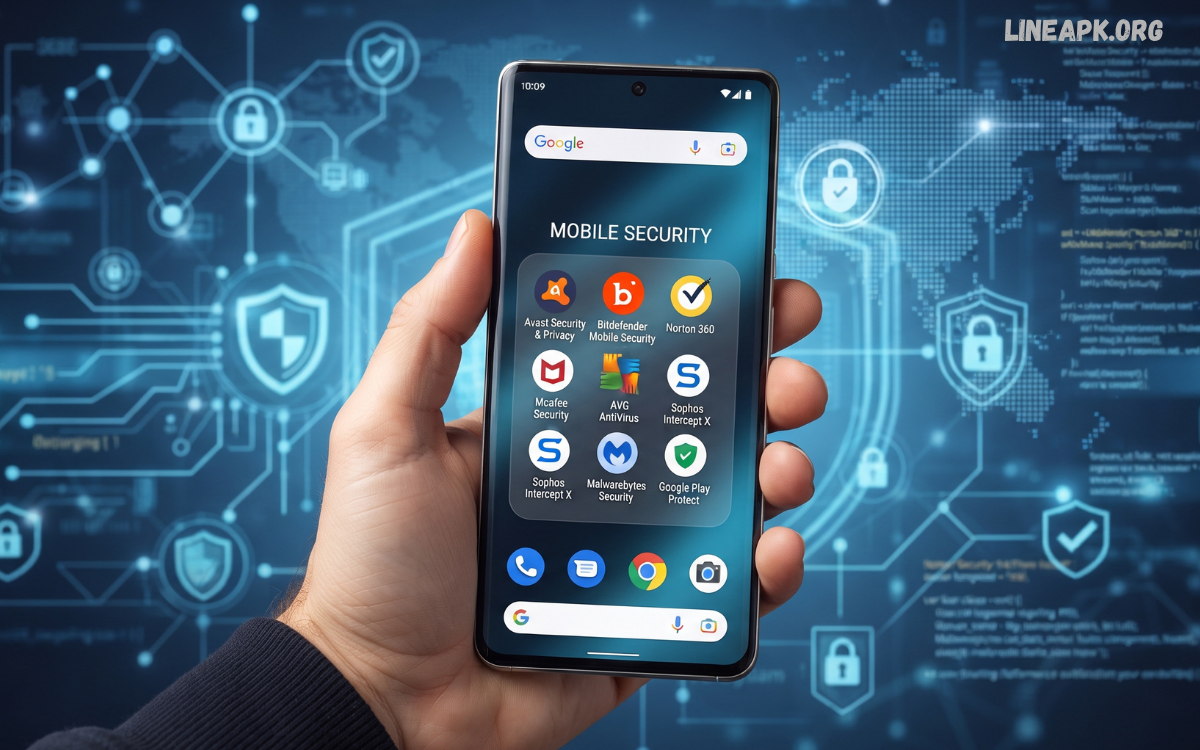
Smartphones have become an essential part of everyday life. People use Android devices for communication, banking, shopping, social media, entertainment, work, education, and storing personal information.
Android security apps are designed to help users identify suspicious applications, protect personal information, detect potential threats, secure accounts, and improve overall device safety. Depending on the application, security features can include malware detection, web protection, privacy monitoring, app scanning, anti-phishing tools, device tracking, and protection against suspicious activities.
What Are Android Security Apps?
Android security apps are applications designed to improve the safety and privacy of Android smartphones and tablets. They can monitor applications, scan files, identify suspicious behavior, protect users from malicious websites, and provide tools for recovering or securing a lost device.
Modern Android devices already include several built-in security protections. However, additional security applications can offer useful features for users who want more monitoring or specialized protection.
Depending on the app, security tools may provide:
- Malware and threat scanning
- App security analysis
- Web and phishing protection
- Privacy monitoring
- Safe browsing tools
- Lost-device tracking
- Anti-theft features
- Password and account security
- Wi-Fi security checks
- File scanning
- Notification and permission monitoring
A good security solution should complement Android’s built-in protections rather than encouraging users to disable them.
Why Android Security Apps Are Important
Mobile threats continue to change as technology develops. Cybercriminals may use fake applications, phishing pages, malicious links, fraudulent messages, and social engineering to trick users into revealing information or installing unsafe software.
Security applications can help users recognize potential risks before they become serious problems. For example, a web protection feature may warn users when they attempt to visit a known malicious website, while an app scanner can help identify potentially unwanted or suspicious software.
Key Features to Look For
Not every Android security app offers the same functionality. Before installing one, users should understand which features are genuinely useful for their needs.
Malware Detection
Malware scanning is one of the most important features of a security application. A reliable scanner can examine installed applications and files for known threats or suspicious behavior.
Some security tools can automatically scan applications when they are installed, while others allow users to perform manual scans.
Real-Time Protection
Real-time protection continuously monitors certain activities on a device. It may check applications, downloads, websites, or files for potential threats.
This feature can provide an additional safety layer because users do not always remember to perform manual security scans.
Web Protection
Many mobile threats begin with a dangerous link rather than a downloaded application. Phishing websites can imitate legitimate services and attempt to persuade users to enter sensitive information.
Web protection can warn users about potentially dangerous websites and suspicious links. This makes it especially useful for people who frequently browse the internet or receive links through messaging and social platforms.
App Scanning
Applications can request different permissions and access device features such as the camera, microphone, contacts, storage, and location.
A security app may analyze installed applications and highlight potentially risky behavior. Users should still review permissions themselves and remove applications they no longer need.
Privacy Protection
Privacy-focused security tools can help users understand which applications have access to sensitive information.
For example, a privacy dashboard may identify applications with access to location, contacts, camera, microphone, or other sensitive permissions.
This information allows users to make better decisions about which applications they trust.
Anti-Theft Features
Losing a smartphone can expose personal information if the device is not properly protected.
Some security applications provide anti-theft tools that may help users locate a missing device or secure their information. Android’s built-in device-finding capabilities should also be enabled whenever available.
Wi-Fi Security
Public Wi-Fi networks can create security concerns, particularly when users access sensitive accounts or services.
Some security applications can analyze Wi-Fi connections and alert users to certain security risks. Users should avoid entering sensitive information on networks they do not trust and should keep their device software updated.
Benefits of Android Security Apps
Using a reputable security application can provide several benefits.
Better Threat Awareness
Security applications can notify users about suspicious applications, websites, files, or other activities. These warnings can help people recognize risks they might otherwise overlook.
Additional Privacy Controls
Privacy-related features can make it easier to understand application permissions and identify applications that may have unnecessary access to personal information.
Safer Browsing
Web protection can help users avoid known malicious websites and phishing attempts, particularly when clicking links received through messages, emails, or social networks.
Device Recovery Tools
Anti-theft functionality can be valuable when a device is misplaced. Depending on the service, users may have access to device-location or security features.
Convenient Security Management
Instead of checking multiple security settings manually, some applications bring several tools together in one interface. This can make security management easier for less experienced users.
Are Android Security Apps Necessary?
The answer depends on how a person uses their smartphone. Modern Android versions include substantial built-in security protections, including app scanning, permission controls, security updates, and other safeguards.
For many users, maintaining updated software, installing applications from trusted sources, reviewing permissions, using a strong screen lock, and avoiding suspicious links may provide strong baseline protection.
How to Choose the Best Android Security App
Selecting a security application should involve more than looking at its download count. Consider the following factors before installing an app.
Reputation
Choose applications from established developers with a strong history in cybersecurity. Research the developer and examine recent user reviews before installation.
Features
Identify the security features you actually need. A simple malware scanner may be sufficient for some users, while others may want web protection, privacy monitoring, and anti-theft functionality.
Performance
A security application should not significantly slow down your smartphone. Look for software designed to operate efficiently in the background.
Privacy Policy
Security applications can sometimes require access to sensitive device information. Read the application’s privacy policy and understand what information it collects and why.
Updates
Cybersecurity threats constantly evolve. Choose a security solution that receives regular database, application, and security updates.
Ease of Use
A complicated security application may be difficult to manage. A clear interface with understandable alerts makes it easier to respond to potential threats.
Android Security Apps and Privacy
Security and privacy are closely connected, but they are not exactly the same. A security application may protect a device from malware while a privacy-focused tool helps users understand how their information is being accessed.
Users should pay attention to application permissions. If a simple application requests access that does not appear necessary for its primary purpose, consider whether that permission should be granted.
Read Also: Mobile Antivirus Apps: Complete Guide to Protecting Your Smartphone in 2026
Tips for Improving Android Security
Security apps work best when combined with good digital habits. Follow these practical recommendations:
- Keep Android and applications updated.
- Install apps from reputable sources.
- Review application permissions regularly.
- Use a strong screen lock.
- Enable biometric authentication when appropriate.
- Avoid suspicious links and unexpected attachments.
- Do not share passwords or verification codes.
- Use unique passwords for important accounts.
- Enable two-factor authentication where available.
- Remove applications that you no longer use.
- Back up important files regularly.
- Avoid downloading modified or suspicious applications.
- Review account activity for unusual sign-ins.
- Use secure networks when handling sensitive information.
These habits can significantly reduce common security risks.
Common Mistakes to Avoid
One common mistake is assuming that every application available online is safe. Users should carefully check the developer, reviews, permissions, and installation source before downloading software.
Another mistake is ignoring security notifications. If a trusted security tool reports a potential threat, investigate the warning instead of automatically dismissing it.
The Future of Android Security
Android security is expected to continue evolving as mobile technology becomes more sophisticated. Artificial intelligence and automated threat analysis are increasingly being used to identify suspicious behavior and improve security monitoring.
Future security tools are likely to place greater emphasis on privacy, identity protection, scam detection, and intelligent threat analysis. Security features may also become more integrated directly into operating systems and application stores.
Frequently Asked Questions
What are Android security apps?
Android security apps are tools designed to protect smartphones from malware, suspicious applications, phishing websites, privacy risks, and other digital threats. They may also provide features such as device scanning, web protection, and anti-theft controls.
Are Android security apps necessary?
They can provide an additional layer of protection, although modern Android devices already include several built-in security features. Users can benefit from reputable security apps when they need additional privacy, web, or threat-monitoring features.
What features should a good Android security app have?
Important features can include malware scanning, real-time protection, web security, privacy monitoring, app analysis, anti-phishing protection, and anti-theft tools. Regular updates and a trustworthy privacy policy are also important.
Can Android security apps remove malware?
Many reputable security apps can detect and help remove certain types of malicious software. However, users should also keep Android updated and uninstall applications that are identified as unsafe.
Are free Android security apps reliable?
Some free security apps can provide useful protection, but their features vary considerably. Users should research the developer, privacy practices, reviews, and permissions before installing any security application.
Can security apps protect against phishing?
Some Android security apps include web and phishing protection that can identify or warn users about potentially dangerous websites and links. Users should still avoid clicking suspicious links or sharing sensitive information.
Do Android security apps slow down smartphones?
A reputable and well-optimized security application should have a relatively small performance impact. Installing multiple security apps with overlapping features may consume additional resources and create unnecessary notifications.
Can Android security apps protect personal information?
Some security apps offer privacy monitoring and permission analysis to help users understand how applications access sensitive information. However, users should also review permissions and account security settings themselves.
How often should an Android security app scan a device?
If the application provides automatic or real-time protection, it can continuously monitor supported activities. Manual scans can also be performed periodically, especially after installing unfamiliar applications or downloading files.
What is the best way to improve Android security?
Use a combination of built-in Android security features and safe digital habits. Keep your device updated, install apps from trusted sources, use strong passwords and authentication, review permissions, and avoid suspicious links and downloads.
Conclusion
Android security apps can provide valuable additional protection for smartphones, particularly when they offer reputable malware detection, web protection, privacy monitoring, and anti-theft features. However, users should not depend entirely on a third-party application.
The strongest approach combines Android’s built-in security features with responsible digital habits. Keeping software updated, downloading applications from trustworthy sources, reviewing permissions, using strong authentication, and recognizing suspicious links are all essential steps.
