

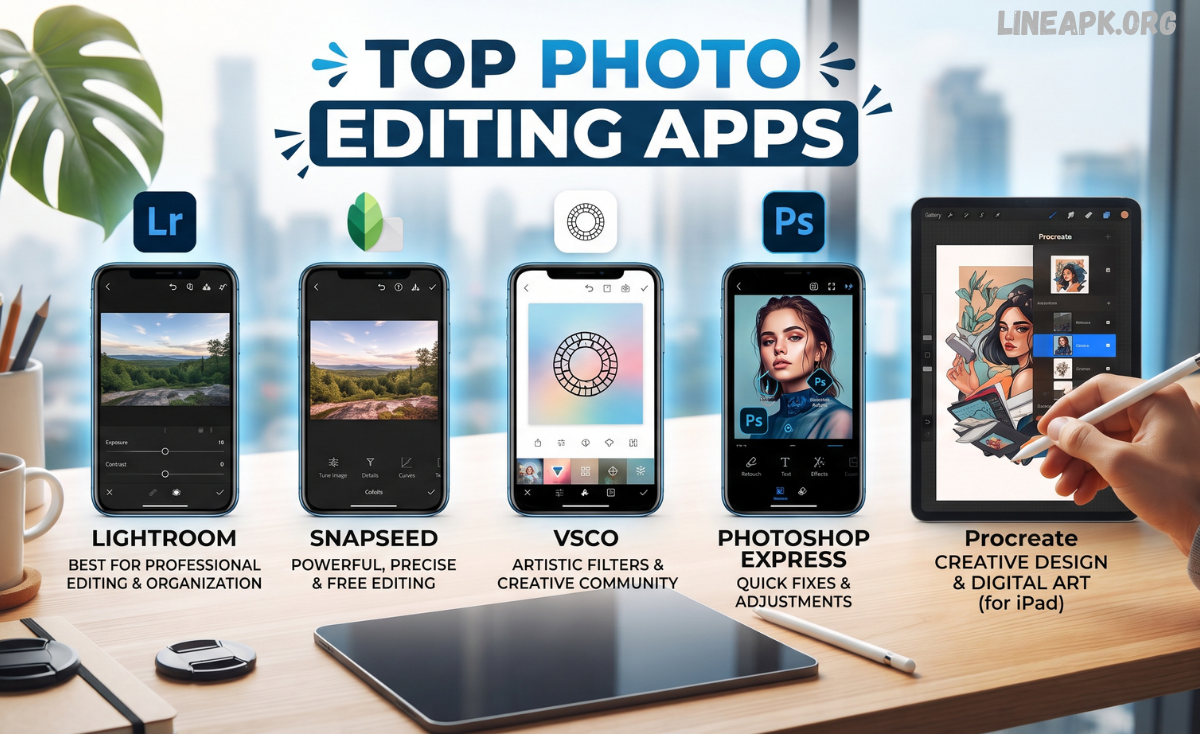
Photo editing has become an essential part of digital content creation. Whether you’re a professional photographer, social media influencer, business owner, or casual smartphone user, the right photo editing app can transform ordinary images into stunning visuals.
In 2026, photo editing apps are smarter, faster, and easier to use than ever before. With artificial intelligence, cloud syncing, and one-tap editing, users can create high-quality images within minutes. From quick Instagram edits to professional marketing graphics, today’s mobile apps provide everything needed for exceptional results.
Why You Need a Photo Editing App?
Photo editing applications offer much more than simple filters. They help users:
- Improve image quality
- Remove unwanted objects
- Enhance colors
- Adjust lighting
- Create social media content
- Design marketing materials
- Restore old photos
- Add artistic effects
- Create professional portraits
- Produce high-resolution images
With AI becoming more powerful, editing photos has never been easier.
1. Adobe Lightroom
Adobe Lightroom remains one of the most trusted photo editing applications for professionals.
Key Features
- AI photo enhancement
- RAW image editing
- Professional color grading
- Cloud synchronization
- Presets for quick editing
- Noise reduction
- Lens correction
- Selective editing
Pros
- Professional-grade tools
- Excellent image quality
- Powerful color controls
- Cross-platform support
Cons
- Premium subscription required for advanced features
2. Adobe Photoshop Express
Photoshop Express brings Adobe’s editing technology to smartphones.
Features
- One-touch edits
- Background removal
- Blemish correction
- Collage maker
- Filters
- Text overlays
- Quick retouching
Best for users who want professional editing without complicated tools.
3. Snapseed
Developed by Google, Snapseed remains one of the best free photo editing apps.
Features
- Completely free
- Professional editing tools
- Curves adjustment
- Selective editing
- Healing brush
- HDR effects
- Perspective correction
- RAW editing
Why Choose Snapseed
It delivers premium editing features without advertisements or subscriptions.
4. PicsArt
PicsArt combines photo editing with graphic design.
Features
- AI image generator
- Stickers
- Background remover
- Drawing tools
- Templates
- Social media designs
- Text effects
Perfect for creators who design Instagram posts, YouTube thumbnails, and promotional content.
5. Canva
Although widely known as a design platform, Canva also includes excellent photo editing features.
Features
- AI editing
- Magic Eraser
- Background remover
- Photo enhancement
- Thousands of templates
- Brand kits
- Text effects
Ideal for businesses, bloggers, and marketers.
6. VSCO
VSCO is famous for artistic filters and elegant editing.
Features
- Premium filters
- Film-inspired presets
- Color adjustments
- Exposure controls
- Professional tones
- Community sharing
Recommended for photographers seeking a minimalist editing experience.
7. Pixlr
Pixlr offers powerful editing tools without requiring advanced skills.
Features
- AI cutout
- Auto enhancement
- Collages
- Effects
- Layers
- Background replacement
- Quick editing
Suitable for beginners and professionals alike.
8. Remini
Remini specializes in AI-powered photo restoration.
Features
- Face enhancement
- Blur removal
- Old photo restoration
- Image sharpening
- AI portrait enhancement
- High-resolution conversion
Great for improving old or low-quality photos.
9. PhotoRoom
PhotoRoom is designed primarily for product photography.
Features
- AI background removal
- Product templates
- Shadow effects
- White background creation
- Marketplace-ready images
Ideal for online sellers and eCommerce businesses.
10. Fotor
Fotor combines simplicity with powerful editing.
Features
- One-click enhancement
- Portrait retouching
- AI image generation
- Beauty filters
- HDR effects
- Design templates
Suitable for beginners looking for professional results.
AI Features Changing Photo Editing
Artificial intelligence is transforming mobile editing by introducing:
- Automatic object removal
- Smart sky replacement
- AI portrait enhancement
- Image upscaling
- Face retouching
- Color correction
- Background replacement
- Noise reduction
- Style transfer
- Smart masking
These tools save time while delivering professional-quality results.
Read Also: Newly Released Android Apps: Discover the Best New Apps to Download in 2026
How to Choose the Best Photo Editing App?
Consider the following factors before downloading an editor:
Ease of Use
Choose an application with an intuitive interface if you’re a beginner.
Editing Tools
Look for features like:
- Cropping
- Color correction
- Filters
- Retouching
- Background removal
- Layers
- AI enhancement
Device Compatibility
Ensure the app works smoothly on your Android or iPhone.
Pricing
Many excellent editors offer free versions, while premium subscriptions unlock advanced capabilities.
Cloud Storage
Cloud backup keeps your edits secure across multiple devices.
Free vs Premium Photo Editing Apps
Free Apps
Benefits:
- No cost
- Basic editing tools
- Good for casual users
Limitations:
- Ads
- Watermarks
- Limited AI features
Premium Apps
Benefits:
- Advanced editing
- AI tools
- Professional presets
- No advertisements
- Higher export quality
Ideal for content creators, photographers, and businesses.
Tips for Better Photo Editing
- Start with high-resolution photos.
- Avoid over-editing.
- Adjust brightness before applying filters.
- Use natural colors whenever possible.
- Keep skin tones realistic.
- Crop for better composition.
- Save original images before editing.
- Export in the highest quality.
- Experiment with AI tools.
- Maintain a consistent editing style.
Frequently Asked Questions
What are the best photo editing apps in 2026?
Some of the best photo editing apps include Adobe Lightroom, Snapseed, Adobe Photoshop Express, PicsArt, Canva, VSCO, Pixlr, Remini, PhotoRoom, and Fotor. Each app offers unique features for different editing needs.
Which photo editing app is best for beginners?
Canva, Snapseed, and PicsArt are excellent choices for beginners because they provide user-friendly interfaces, one-tap editing tools, and simple navigation.
Are free photo editing apps good enough?
Yes. Many free photo editing apps like Snapseed and Pixlr offer professional-quality editing tools, including filters, color correction, cropping, and AI-powered enhancements.
Which app is best for professional photographers?
Adobe Lightroom is widely considered one of the best apps for professional photographers due to its RAW editing support, advanced color grading, and powerful editing tools.
Can I edit RAW photos on my smartphone?
Yes. Apps such as Adobe Lightroom and Snapseed support RAW photo editing, allowing photographers to make detailed adjustments without losing image quality.
Which photo editing app has the best AI features?
Remini, Adobe Lightroom, Canva, and PicsArt offer powerful AI features such as automatic enhancement, background removal, object erasing, and portrait retouching.
What is the best app for removing photo backgrounds?
PhotoRoom and Canva are among the best apps for removing backgrounds quickly using AI technology, making them ideal for product photography and social media content.
Are photo editing apps safe to use?
Most popular photo editing apps are safe when downloaded from official app stores. Always review app permissions and download only from trusted sources.
Which photo editing app is best for social media content?
PicsArt, Canva, and VSCO are excellent for creating eye-catching social media posts, stories, thumbnails, and promotional graphics.
How do I choose the right photo editing app?
Choose an app based on your editing experience, required features, device compatibility, budget, and whether you need advanced tools like AI editing, RAW support, or professional color correction
Conclusion
Choosing the Top Photo Editing Apps depends on your editing goals, experience level, and creative requirements. Professional photographers often prefer Adobe Lightroom, while casual users enjoy Snapseed and PicsArt for their simplicity.
As AI technology continues to evolve, photo editing is becoming faster, smarter, and more accessible. Whether you’re creating content for social media, managing an online business, or preserving personal memories, investing time in the right editing app will significantly improve the quality of your images.
