

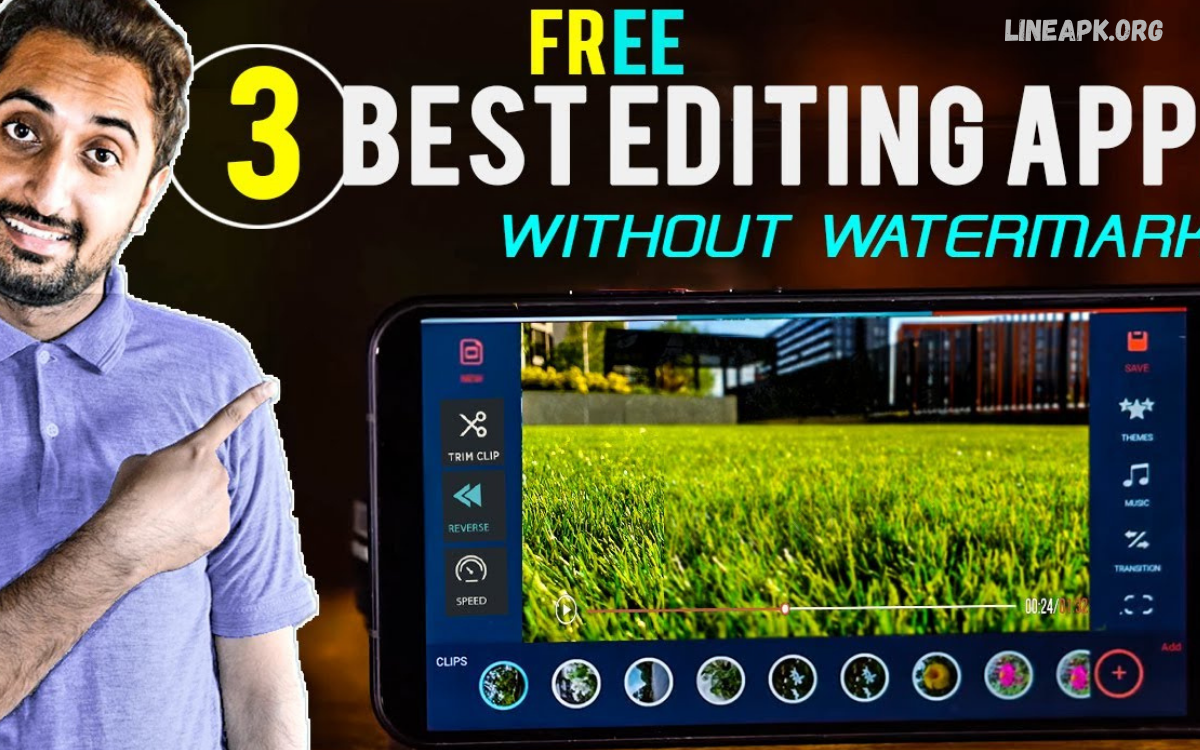
Creating high-quality videos no longer requires expensive computers or complicated editing software. With modern smartphones becoming more powerful, users can now record, edit, enhance, and publish professional-looking videos directly from their mobile devices.
The best video editor apps Android users can access in 2026 offer powerful features such as trimming, transitions, filters, text overlays, music, voiceovers, speed controls, background effects, and AI-powered editing tools.
Why Video Editing on Android Is So Popular
Android smartphones are widely used for photography and video creation because they combine capable cameras with portable editing tools. Users can record footage and immediately begin editing without transferring files to a computer.
Modern Android devices also support high-resolution video, including 4K recording on many models. As smartphone hardware improves, editing applications can process larger files and more complex effects while maintaining a smooth workflow.
Essential Features of Video Editor Apps for Android
Choosing an editor becomes easier when you understand the features that matter most. The best applications combine basic editing controls with advanced creative tools.
Video Trimming and Cutting
Trimming is one of the most fundamental editing functions. It allows users to remove unwanted sections from the beginning, middle, or end of a recording.
A good editor should provide precise controls so you can select the exact portion of a clip you want to keep. Cutting multiple clips also makes it easier to create a smooth sequence.
Transitions
Transitions help connect different clips naturally. Instead of abruptly moving from one scene to another, creators can use fades, slides, zooms, and other effects.
Professional use of transitions should support the story rather than distract viewers. Simple transitions are often enough for educational, travel, and business content.
Text and Captions
Text overlays are useful for titles, explanations, announcements, and social media content. Many modern editors include customizable fonts, colors, animations, and positioning options.
Automatic caption tools are also becoming increasingly important. Captions can make videos easier to understand when viewers watch without sound.
Music and Sound Effects
Audio can completely change the atmosphere of a video. Many video editing applications allow users to add background music, sound effects, voiceovers, and recorded narration.
Creators should always consider copyright when using music. Using properly licensed or royalty-free audio helps prevent potential problems when publishing content online.
Filters and Visual Effects
Filters can change the overall appearance of footage, while visual effects can create specific moods or creative styles. Many applications provide presets that allow beginners to improve footage without manually adjusting every setting.
However, excessive effects can make videos look distracting. Professional editing usually focuses on enhancing the footage rather than covering it with unnecessary effects.
AI Features in Android Video Editors
Artificial intelligence is becoming one of the most significant developments in mobile video editing. In 2026, many applications use AI to automate tasks that previously required considerable manual effort.
AI-powered tools can assist with tasks such as automatic captions, background removal, object detection, scene recognition, noise reduction, and smart clip selection. Some editors can also help synchronize footage with music or recommend edits based on the content.
These features can save time, particularly for creators who publish videos frequently. However, automated editing should still be reviewed manually because AI-generated results may not always match the creator’s intended style.
Best Uses for Video Editor Apps Android
There are many situations where Android video editors can be useful.
Social Media Content
Platforms focused on short-form video have increased demand for fast and accessible editing tools. Creators can use Android editors to produce vertical videos with captions, music, transitions, and visual effects.
YouTube Videos
Mobile editors can also be used for YouTube content. Beginners can create straightforward videos, while experienced creators can combine multiple clips, add narration, adjust audio, and create custom titles.
Gaming Videos
Gaming creators often need to combine gameplay footage with commentary, music, text, and effects. A capable Android editor can simplify this workflow and help prepare clips for social platforms.
Travel Videos
Travel footage can become more engaging when organized into a short visual story. Users can combine scenes from different locations, add background music, insert captions, and adjust the overall pacing.
Educational Content
Students, teachers, and content creators can use mobile editing applications to produce tutorials and educational videos. Text overlays, diagrams, narration, and captions can make information easier to follow.
How to Choose the Right Android Video Editor
Not every editor is suitable for every user. Before installing an application, consider your editing experience, device performance, project requirements, and preferred publishing platform.
Beginners should look for a simple interface with clearly labeled tools and useful templates. Advanced users may prefer applications that provide timeline editing, manual adjustments, keyframe controls, multiple layers, and detailed audio settings.
Read Also: Photo Editor Apps for Android: Best Tools for Professional Photo Editing in 2026
Free vs. Premium Video Editing Apps
Many video editor apps that Android users can download offer free versions. These are often sufficient for basic editing, but some may include advertisements, watermarks, limited effects, or restrictions on export quality.
Premium versions usually provide additional features and may remove advertisements or watermarks. Whether a subscription is worthwhile depends on how frequently you edit videos and which features you need.
Tips for Creating Better Videos on Android
Using a powerful editor is only part of the process. Good editing decisions are equally important.
Start by organizing your footage before editing. Remove unnecessary clips and identify the strongest moments. Keeping the final video focused can make it more engaging.
Common Mistakes to Avoid
One common mistake is using too many effects. Excessive animations and transitions can make content difficult to follow.
Another mistake is ignoring the intended platform’s aspect ratio. Vertical content is generally better suited to short-form mobile platforms, while traditional landscape formats remain useful for many YouTube videos.
The Future of Android Video Editing
Mobile video editing is likely to become even more sophisticated as smartphone hardware and AI technology continue to develop. Future applications may provide faster rendering, smarter editing recommendations, improved object tracking, advanced audio processing, and more automated workflows.
Cloud-based editing may also become increasingly useful. It can allow creators to access projects across multiple devices while reducing dependence on local storage.
Frequently Asked Questions
What are video editor apps Android users can use for professional editing?
Android offers many video editing applications with features such as multi-layer editing, transitions, captions, audio controls, filters, and high-resolution exports. The best option depends on your specific editing requirements.
Can I edit 4K videos on Android?
Many modern Android smartphones can edit 4K footage, although performance depends on the device’s processor, RAM, storage, and the application’s optimization.
Are Android video editors suitable for beginners?
Yes. Many applications provide templates, automatic effects, drag-and-drop controls, and simple timelines designed specifically for beginners.
Can I add music to an Android video?
Most video editing applications support background music and audio tracks. Make sure you have the appropriate rights to use copyrighted music when publishing your videos.
Do Android video editors support captions?
Many modern editors provide manual and automatic caption features. AI-powered caption generation can significantly reduce the time required to subtitle videos.
Can I create YouTube videos using an Android editor?
Yes. Android editors can handle many YouTube projects, including tutorials, vlogs, gaming clips, reviews, and short-form videos.
Are free video editing apps good enough?
Free editors can be excellent for basic projects. Advanced creators may prefer premium tools for additional effects, export options, storage, or professional controls.
How can I make mobile videos look professional?
Use high-quality footage, clean audio, consistent transitions, readable captions, balanced colors, and an appropriate export resolution. Good storytelling is more important than using excessive effects.
Do video editing apps require an internet connection?
Some applications provide offline editing, while others rely on internet access for cloud features, AI processing, templates, or online asset libraries.
Which features should I prioritize?
Look for reliable trimming, timeline editing, audio controls, captions, transitions, export quality, and a user interface that matches your experience level.
Conclusion
The growing selection of video editor apps Android users can access in 2026 makes mobile content creation more convenient than ever. From simple trimming and captions to advanced effects and AI-assisted workflows, modern Android editors provide tools for beginners and experienced creators alike.
The right application depends on your goals. A casual user may need only basic cutting and music features, while a professional creator may require multiple layers, precise timeline controls, advanced audio tools, and high-resolution exports.
