

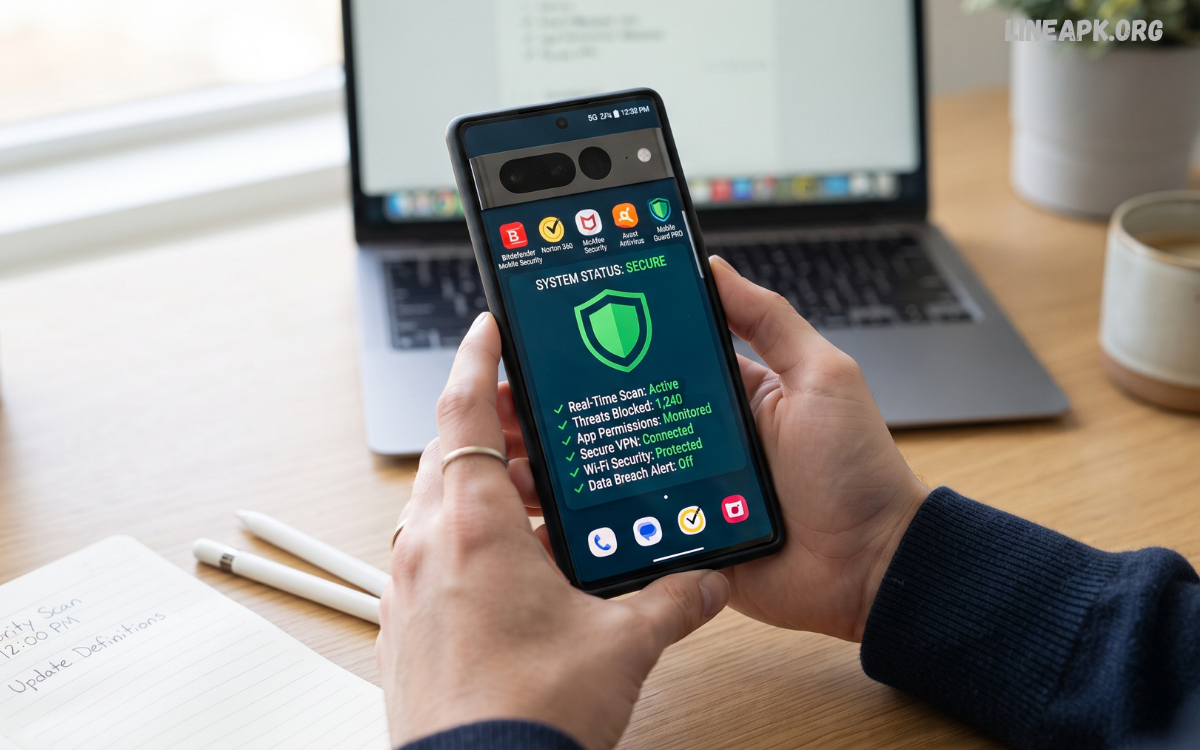
Smartphones have become an essential part of everyday life. People use mobile devices for banking, shopping, communication, entertainment, education, work, and storing personal information. As smartphone usage continues to grow, cyber threats targeting mobile devices are also becoming more sophisticated.
Mobile antivirus apps are designed to detect suspicious applications, identify malware, block dangerous websites, protect personal information, and alert users to potential security threats. Modern security applications combine malware scanning with privacy tools, web protection, anti-phishing features, and device security monitoring.
What Are Mobile Antivirus Apps?
Mobile antivirus apps are security applications created to help protect smartphones and tablets from malicious software and other digital threats. They can scan applications and files, monitor suspicious activity, identify potentially harmful software, and provide security alerts.
Android devices are commonly targeted by malicious applications because users can install software from different sources. Although modern operating systems include built-in security features, an additional security application can provide extra monitoring and protection.
Why Mobile Antivirus Apps Are Important
Mobile devices contain valuable information, including photographs, contacts, messages, documents, passwords, and financial details. Losing access to this information or exposing it to malicious software can create serious problems.
Cybercriminals may use malicious applications to steal information, display unwanted advertisements, monitor activity, or redirect users toward fraudulent websites. Phishing attacks can also trick users into entering passwords or financial information on fake websites.
Key Features of Mobile Antivirus Apps
Malware Scanning
Malware scanning is one of the most important features of a mobile security application. A scanner checks installed applications and files for known or suspicious threats.
Users can usually perform manual scans whenever they want. Some applications also provide automatic scanning that checks applications after installation or during scheduled security checks.
Real-Time Protection
Real-time protection continuously monitors the device for suspicious activity. Instead of waiting for a user to perform a manual scan, the security application can provide an alert when it detects a potentially harmful application or activity.
This feature can be useful for users who regularly download new applications or files.
Web Protection
Many mobile antivirus apps include web protection that helps identify potentially dangerous websites. This feature can warn users before they visit websites associated with phishing, malware, scams, or other online threats.
Web protection is particularly useful when clicking links received through messages, emails, or social media.
Anti-Phishing Protection
Phishing attacks attempt to trick users into providing sensitive information. A fraudulent message may appear to come from a legitimate company while directing users to a fake login page.
Anti-phishing tools can identify suspicious links and warn users before they provide information. However, users should still carefully check website addresses and avoid entering passwords on unfamiliar pages.
App Security Checks
An antivirus application can evaluate installed apps and identify potentially risky software. Some security tools examine application permissions and behavior to help users understand whether an app may create privacy or security concerns.
Before installing an application, users should also review its developer, ratings, permissions, and download source.
Wi-Fi Security
Some mobile security applications can analyze Wi-Fi networks and notify users about potential security weaknesses. This can be useful when connecting to unfamiliar public networks.
A security app may identify certain network risks, but it cannot make an unsafe public network completely secure. Users should avoid entering highly sensitive information on networks they do not trust.
Privacy Monitoring
Privacy-focused features can help users understand which applications have access to sensitive device functions. Depending on the operating system and application, these functions may include access to the camera, microphone, contacts, location, or storage.
Regularly reviewing app permissions is an effective way to reduce unnecessary access to personal information.
Benefits of Mobile Antivirus Apps
Better Malware Protection
One of the biggest advantages of mobile antivirus apps is additional protection against malicious software. Security tools can scan applications and files and alert users when they detect suspicious content.
Improved Online Safety
Web and phishing protection can reduce the chances of accidentally visiting harmful websites. These features are valuable for users who frequently browse the internet from their smartphones.
Privacy Awareness
Privacy monitoring can help users understand how applications interact with their personal information. This can encourage better security habits and more careful app management.
Automatic Security Monitoring
Automatic scanning and real-time protection reduce the need for users to manually check their devices constantly. Security alerts can provide useful warnings when suspicious activity is detected.
Additional Security Tools
Many security applications offer features beyond traditional antivirus scanning. Depending on the product, these may include identity monitoring, password-related tools, secure browsing, device-location features, and privacy checks.
Free vs. Premium Mobile Antivirus Apps
Mobile antivirus apps are available in both free and premium versions. Free security applications can provide useful basic features, including malware scanning and security alerts.
Premium versions typically add more advanced tools. These may include real-time web protection, enhanced privacy monitoring, identity protection, Wi-Fi security, or additional customer support.
Read Also: File Manager Android Apps: Best Tools to Organize and Manage Your Files in 2026
How to Choose the Best Mobile Antivirus Apps
Choosing a security application requires more than looking at its popularity. Consider the following factors before installing one.
Security Reputation
Choose a security provider with an established reputation for cybersecurity. Independent security testing and transparent information about the product can help users make better decisions.
Performance
A security application should not significantly slow down the smartphone, drain the battery, or consume excessive storage. Lightweight applications are generally preferable for devices with limited resources.
Privacy Policy
Review the application’s privacy practices before installation. Understand what information the application collects, why it collects it, and how that information is handled.
Features
Identify the security features you actually need. If your main concern is malware, prioritize reliable scanning and real-time protection. If you frequently browse unfamiliar websites, web and phishing protection may be more valuable.
Ease of Use
A good security application should be simple to understand. Clear security alerts, straightforward scanning options, and easy-to-use settings make it easier to maintain device security.
Cost
Compare free and premium plans carefully. Avoid paying for features that you will never use, and check whether subscriptions automatically renew.
Do You Always Need a Mobile Antivirus App?
Not every smartphone user necessarily needs a third-party antivirus application. Modern mobile operating systems already provide built-in security mechanisms, app permission controls, and protections against certain types of malicious software.
Your online behavior also has a major impact on security. Downloading applications only from trustworthy sources, keeping software updated, using strong passwords, enabling multi-factor authentication, and avoiding suspicious links can significantly reduce risk.
Tips for Using Mobile Antivirus Apps Safely
Installing an antivirus application does not guarantee complete protection. Users should combine security software with responsible digital habits.
Always download security applications from legitimate app stores or the official website of the security provider. Avoid unofficial versions that claim to provide premium features for free.
Common Mistakes to Avoid
One common mistake is installing several antivirus applications at the same time. Multiple security apps may conflict with each other, consume additional resources, or provide unnecessary duplicate features.
Another mistake is downloading security software from unofficial websites. Fake antivirus applications can themselves contain malicious software.
Mobile Antivirus Apps and Smartphone Performance
Some users avoid security applications because they are concerned about battery consumption or slower performance. Modern security software is generally designed to operate efficiently, but performance can vary between applications and devices.
A security application that performs frequent, intensive scans may consume more battery than a lightweight solution. Users should check which features operate continuously and adjust scanning schedules when appropriate.
The Future of Mobile Security
Mobile security is expected to become increasingly important as smartphones become more integrated with financial services, artificial intelligence, smart devices, cloud platforms, and digital identity systems.
Future mobile security applications are likely to focus on behavioral detection, privacy protection, automated threat analysis, phishing prevention, and identity security. Artificial intelligence may also help security systems identify unusual activity more quickly.
Frequently Asked Questions
Are mobile antivirus apps safe?
Reputable mobile antivirus apps can provide useful security features. Always download them from legitimate sources and review the provider’s privacy policy before installation.
Do mobile antivirus apps remove malware?
Many security applications can detect and help remove certain types of malicious software. Their capabilities vary, so users should check the specific features of the application.
Are free mobile antivirus apps useful?
Free antivirus apps can provide basic security features. Premium versions may offer additional protection, but users should compare features before paying for a subscription.
Can antivirus apps protect against phishing?
Some mobile security applications include anti-phishing and web protection features that can warn users about suspicious websites and links.
Can antivirus apps slow down a phone?
Some security applications may consume processing power, memory, or battery. Choosing a reputable and lightweight application can help minimize performance impact.
Should I install more than one antivirus app?
Installing multiple antivirus applications is usually unnecessary and may cause conflicts or increase resource usage. One reputable security solution is generally preferable.
How often should I scan my smartphone?
If automatic protection is enabled, manual scans may not be necessary frequently. Users can perform additional scans after installing unfamiliar applications or when unusual behavior appears.
Can antivirus apps protect personal data?
Some security applications include privacy monitoring and identity-protection features. However, users should still use strong passwords, secure accounts, and practice careful browsing.
Do antivirus apps completely protect Android phones?
No security application can guarantee complete protection. Antivirus software should be combined with software updates, secure passwords, careful downloading, and safe browsing habits.
What is the most important mobile security habit?
The most important habit is avoiding suspicious downloads and links. Keeping the operating system updated and using strong account security also provides significant protection.
Conclusion
Mobile antivirus apps can provide valuable additional protection for smartphone users in an increasingly connected digital environment. They can help detect malicious applications, identify suspicious websites, monitor privacy risks, and provide security alerts.
However, antivirus software should not be viewed as a complete solution. Smartphone security depends on multiple layers, including regular software updates, trusted application sources, strong passwords, multi-factor authentication, privacy awareness, and responsible browsing.
