

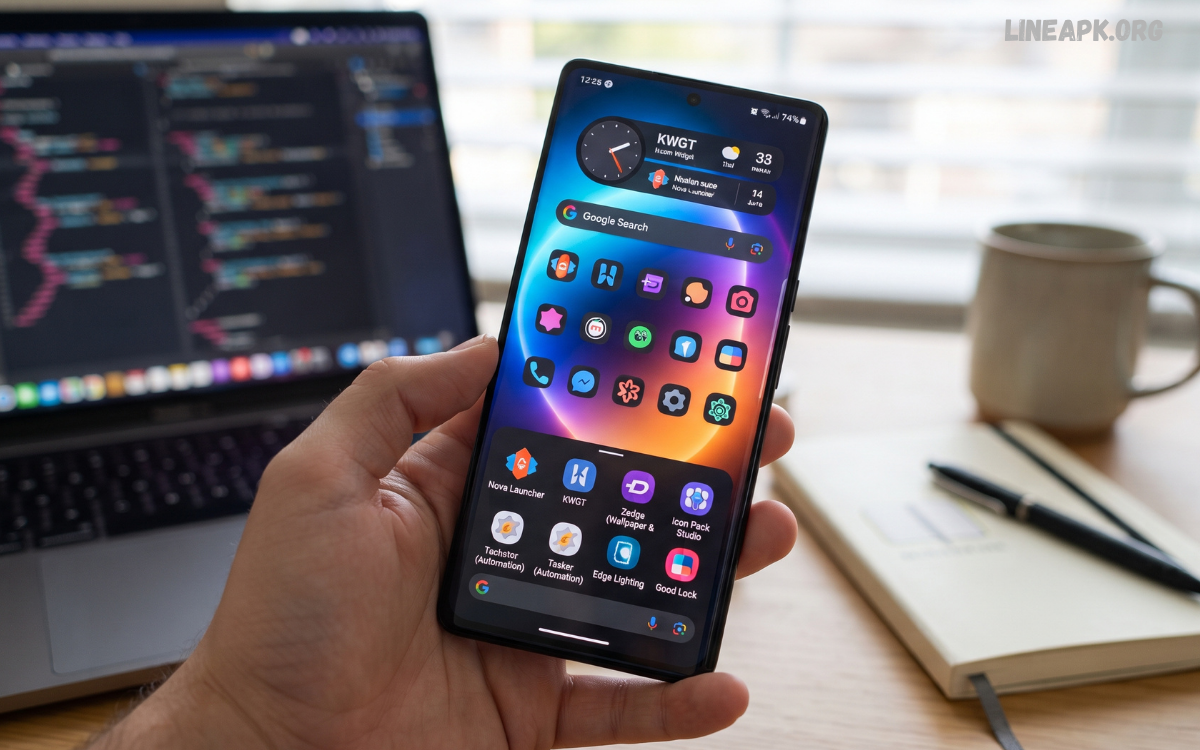
Android smartphones are known for offering users a high level of flexibility and personalization. Unlike platforms with limited customization options, Android allows users to change the appearance and functionality of their devices according to their individual preferences.
These apps can transform an ordinary smartphone interface into a personalized digital environment. Users can customize home screens, app icons, widgets, wallpapers, lock screens, notification panels, keyboards, launchers, and other visual elements.
What Are Android Customization Apps?
Android customization apps are applications designed to modify or enhance the appearance, layout, functionality, and user experience of an Android smartphone. They provide tools that may not be available through the phone’s default settings.
Depending on the app, users can customize their home screen, icons, widgets, wallpapers, lock screen, keyboard, notifications, navigation, and other interface elements.
Why Android Customization Is Popular in 2026
Smartphones have become an important part of everyday life, so users increasingly want their devices to look and work the way they prefer. Customization provides a simple way to make a smartphone more comfortable and visually appealing.
Another reason for the popularity of customization is the wide variety of Android devices. Different manufacturers offer different interfaces, but customization apps allow users to create a more consistent experience across devices.
Best Types of Android Customization Apps
There are many categories of customization applications available for Android. Understanding these categories can help you choose the right tools for your smartphone.
Android Launchers
Launchers are among the most powerful customization tools available. They can replace the default home screen and app drawer with an alternative interface.
A good launcher may allow you to change icon sizes, grid layouts, animations, folders, gestures, search functions, app drawer styles, and home-screen arrangements.
Icon Pack Apps
Icon packs are an easy way to give your smartphone a completely different visual appearance. Instead of changing the entire interface, you can replace the standard application icons with a consistent design.
Icon packs are available in minimalist, colorful, futuristic, cartoon, material, monochrome, and many other styles.
Wallpaper Apps
Wallpapers are one of the easiest ways to personalize a smartphone. Android customization apps dedicated to wallpapers provide thousands of images, illustrations, photographs, abstract designs, and dynamic backgrounds.
Some apps also offer live wallpapers that include movement or interactive elements. Other applications automatically change wallpapers at scheduled intervals, allowing users to enjoy a different background without manually updating it.
Widget Apps
Widgets provide information and shortcuts directly on the home screen. They can display weather information, calendars, clocks, reminders, battery status, music controls, notes, and other useful information.
Modern widget apps often provide extensive design controls. Users can adjust colors, sizes, fonts, transparency, layouts, and information displayed by individual widgets.
Lock Screen Customization Apps
The lock screen is the first interface users see when waking up their phones. Customization apps can add new clock styles, shortcuts, notifications, wallpapers, and other visual elements.
However, users should be careful when choosing lock-screen applications because these apps may require permissions that affect sensitive device information. A reputable application with transparent privacy practices is generally a better choice.
Keyboard Customization Apps
The keyboard is another important part of the Android experience. Keyboard customization apps can provide different themes, layouts, fonts, emoji options, and personalization features.
Some keyboards also provide useful productivity tools, such as clipboard management, multilingual typing, voice input, and text suggestions.
Key Features to Look For
Not every customization application provides the same level of functionality. Before installing an app, consider the features that are most important for your needs.
Extensive Personalization
The best customization tools provide multiple ways to modify the interface. Look for options that allow adjustments to colors, layouts, icons, fonts, widgets, and other visual elements.
Easy-to-Use Interface
Customization can become complicated when an app contains too many settings. A well-designed application should make important controls easy to find while still providing advanced options for experienced users.
Performance Optimization
Customization should not significantly slow down your smartphone. Choose applications that are optimized for your device and avoid tools that consume excessive memory or battery resources.
Compatibility
Before installing a launcher, icon pack, widget, or theme, check whether it is compatible with your Android version and device interface.
Privacy and Permissions
Privacy is one of the most important considerations when choosing Android customization apps. Review the permissions requested by an application and ask whether they are necessary for its core features.
An app designed only to provide wallpapers generally should not need access to unrelated sensitive information.
Read Also: Best Android Launcher: Top Launchers to Transform Your Android Experience
Regular Updates
Apps that receive regular updates are more likely to remain compatible with newer Android versions. Developers also use updates to fix bugs, improve performance, and address security issues.
Benefits of Android Customization Apps
Customization provides several advantages beyond visual improvements.
Create a Personalized Experience
The biggest benefit is the ability to make your smartphone feel unique. You can select colors, wallpapers, icons, layouts, and widgets that match your preferences.
Improve Organization
A customized home screen can make frequently used applications easier to access. You can organize apps into folders, create shortcuts, and arrange widgets according to your daily routine.
Increase Productivity
Customization can reduce the number of steps required to perform common tasks. Gestures, shortcuts, smart widgets, and organized layouts can help users access important functions more efficiently.
Improve Accessibility
Some customization tools provide larger icons, clearer text, simplified layouts, and other options that may make smartphones easier to use.
Refresh an Older Smartphone
Customization can make an older device feel different without requiring users to purchase a new phone. A new launcher, wallpaper, icon pack, and widget arrangement can significantly change the overall interface.
How to Customize Your Android Smartphone
Creating a customized Android setup does not need to be complicated. Start by identifying what you want to change.
First, choose a launcher if you want to modify the overall home-screen experience. Next, select an icon pack that complements your preferred visual style. Add a suitable wallpaper and arrange widgets according to the information you use most frequently.
Customization Without Affecting Performance
One common concern about customization is performance. Although many modern applications are optimized for Android devices, excessive animations, live wallpapers, widgets, and background services can sometimes affect battery life or responsiveness.
A practical approach is to use lightweight tools and avoid installing multiple applications that perform the same function.
Safety Tips for Using Customization Apps
Security should always be considered when installing third-party applications.
Download apps from reputable sources and check developer information, user reviews, update history, and requested permissions. Avoid applications that promise extreme system modifications without clearly explaining what they do.
The Future of Android Customization
Android customization is expected to become increasingly intelligent and automated. Instead of manually adjusting every element, future customization tools may use adaptive systems to organize applications, recommend layouts, change visual elements, and display relevant information based on user preferences.
Artificial intelligence is also likely to play a greater role in creating personalized themes, wallpapers, widgets, and layouts. Users may be able to describe the style they want and receive a customized interface based on that description.
Frequently Asked Questions
What are Android customization apps?
Android customization apps are tools that allow users to personalize different parts of their smartphones, including home screens, icons, wallpapers, widgets, keyboards, launchers, and lock screens.
What are Android customization apps?
Android customization apps are tools that allow users to personalize different parts of their smartphones, including home screens, icons, wallpapers, widgets, keyboards, launchers, and lock screens.
Why should I use Android customization apps?
They can help make your smartphone more personalized, organized, convenient, and visually appealing. Some apps can also improve productivity by providing shortcuts and useful widgets.
Are Android customization apps free?
Many Android customization apps offer free features, while some provide premium themes, icon packs, widgets, or advanced customization tools through optional purchases.
Can customization apps slow down my Android phone?
Some resource-intensive apps may affect performance, especially when they use complex animations, live wallpapers, or multiple background services. Lightweight apps are generally a better choice for older devices.
Are Android customization apps safe?
Many customization apps are safe when downloaded from reputable sources. Before installing an app, review its developer information, permissions, privacy practices, ratings, and update history.
Can I customize my Android home screen?
Yes. You can customize your home screen using launchers, icon packs, widgets, wallpapers, folders, shortcuts, and gesture controls, depending on your device and Android version.
Do customization apps use a lot of battery?
It depends on the application. Live wallpapers, animated effects, and continuously updating widgets can consume more battery than simple static customization options.
Can I change Android app icons?
Yes. Many launchers and icon-pack applications allow users to replace standard app icons with different designs, shapes, and styles.
Can I customize Android without installing an app?
Yes. Many Android phones include built-in customization options for wallpapers, themes, icons, widgets, colors, and home-screen layouts. The available options depend on the device manufacturer and Android version.
What should I consider before installing a customization app?
Check compatibility, permissions, privacy policies, performance impact, developer reputation, reviews, and update history. Choose apps that provide useful features without requesting unnecessary access to your device.
Concluison
Android customization apps provide an excellent way to personalize smartphones while improving organization, accessibility, productivity, and everyday usability. From launchers and icon packs to wallpapers, widgets, keyboards, and lock-screen tools, users have countless options for creating an interface that suits their preferences.
The best customization setup is not necessarily the one with the most features. Instead, it should provide the right combination of appearance, functionality, performance, and privacy.
