

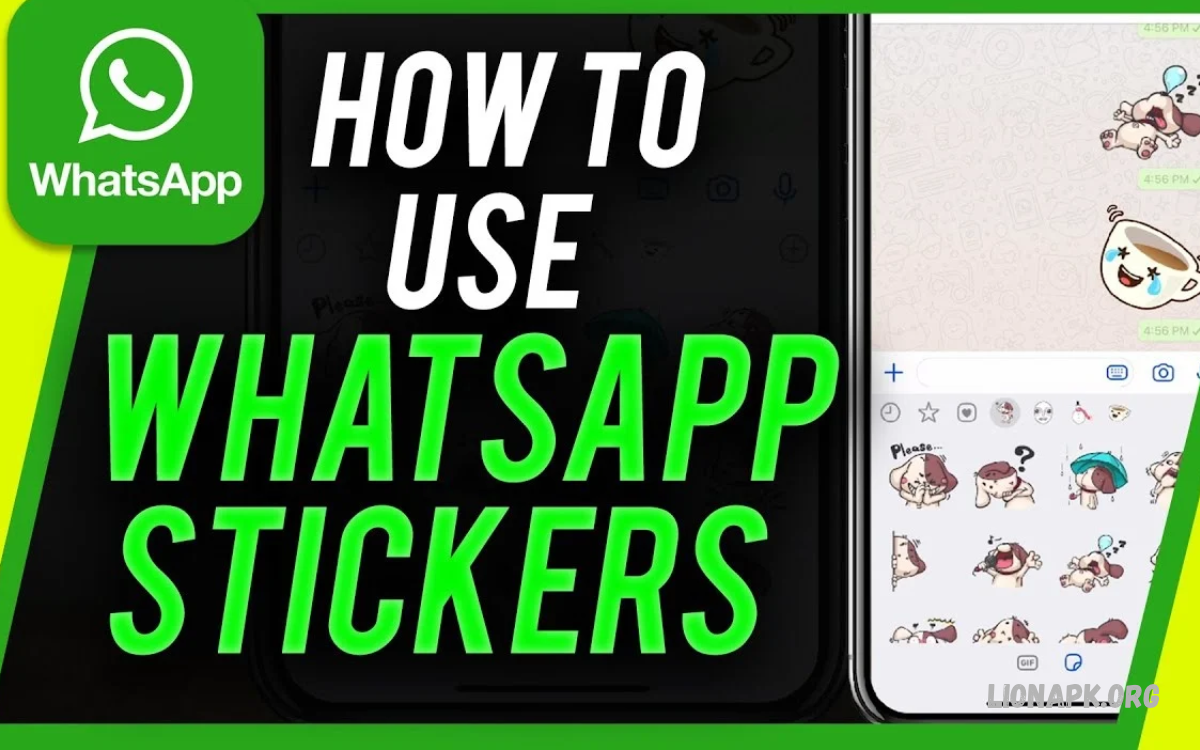
WhatsApp stickers make conversations more expressive, creative, and enjoyable. Users can share emotions, reactions, greetings, and funny moments through stickers instead of typing long messages.
Learning How to Use WhatsApp Stickers helps you personalize chats, discover new designs, and create custom stickers from personal photos. WhatsApp offers built-in sticker features for Android, iPhone, and WhatsApp Web.
What Are WhatsApp Stickers?
WhatsApp stickers are visual images shared inside individual chats and group conversations. They include funny characters, animated designs, emotional reactions, greetings, and illustrations that make everyday communication more engaging.
Unlike regular text messages, stickers communicate feelings through pictures and artwork. Users can choose ready-made sticker packs, save stickers received from friends, or create personalized designs for different conversations.
How to Use WhatsApp Stickers on Android
Android users can access stickers directly from the WhatsApp keyboard area. The sticker panel includes available sticker packs, recently used designs, and other options depending on the installed application version.
Open an individual or group chat, tap the message field, and select the emoji icon beside the keyboard. Choose the sticker tab, browse available designs, and tap your preferred sticker to send it instantly.
How to Use WhatsApp Stickers on iPhone
iPhone users can send stickers through WhatsApp’s built-in sticker panel. The feature allows users to browse available designs, reuse favorite stickers, and share expressive images without leaving the conversation.
Open a WhatsApp conversation and tap the sticker icon near the message field or within the available emoji panel. Select a sticker pack, find a suitable design, and tap the sticker to share it with your contact.
How to Download WhatsApp Sticker Packs
Sticker packs provide collections of related designs, including animals, cartoons, celebrations, and expressive characters. Downloading additional packs gives users more choices for different conversations and personal preferences.
Open WhatsApp’s sticker panel and look for the available sticker-store or add-pack option. Browse the supported collections, select a pack, and download it when available; the exact interface may vary between devices and application versions.
How to Add Stickers to WhatsApp Favorites
Favorites make frequently used stickers easier to find during conversations. Instead of searching through several packs, users can access preferred designs from a dedicated section within the sticker panel.
To save a sticker, tap or press and hold a sticker in a conversation, depending on the device and available menu options. Choose the favorite or add-to-favorites option when available, then open the favorites section to reuse the design later.
How to Create Custom WhatsApp Stickers
Custom stickers let users turn personal photos, drawings, and creative artwork into unique conversation images. This feature is useful for making personalized reactions, birthday greetings, memorable expressions, and original designs.
Depending on the WhatsApp version and device, you may be able to create stickers directly from the sticker panel. Open the sticker creator, select an eligible image, adjust the design using the available editing tools, and save or send the finished sticker.
How to Make WhatsApp Stickers From Photos
Personal photographs can become expressive stickers for everyday conversations. Clear images with visible subjects usually work well because they make the finished sticker easier to recognize on a small screen.
Choose a suitable photo using WhatsApp’s sticker-creation feature when available. Follow the editing prompts to crop the subject or adjust the image, then preview the result and send or save the sticker if the option is supported.
How to Use Animated WhatsApp Stickers
Animated stickers add movement to conversations through short visual sequences. They can make reactions, celebrations, and playful messages more engaging than static images while keeping communication quick and expressive.
Open the sticker panel and look for compatible animated sticker packs. Select an animation and send it as you would a regular sticker; availability depends on the sticker collection and WhatsApp version.
How to Share WhatsApp Stickers With Friends
Sharing stickers allows friends and family to discover designs they enjoy. A sticker received in a conversation may offer an option to save it or view its associated pack, depending on the available features.
Open the conversation containing the sticker you want to share or reuse. Tap the sticker to access available options, or press and hold it if your device supports that interaction, then select the appropriate sharing or favorite option.
How to Organize WhatsApp Stickers
Organizing sticker collections makes conversations easier to manage. Removing packs you rarely use and keeping favorite designs accessible can help you find suitable reactions without spending time browsing a long list.
Open the sticker panel and locate the sticker-pack management options. Depending on your application version, you may be able to reorder packs, remove unwanted collections, or access recently used designs for faster messaging.
How to Remove WhatsApp Sticker Packs
Removing unused sticker packs helps keep your collection organized. This is useful when you have downloaded many designs or want to make space for collections that better match your communication style.
Open the sticker panel and find the pack-management section. Select the collection you no longer need and use the available remove or delete option; removing a pack from your collection does not necessarily delete stickers already sent in conversations.
How to Use WhatsApp Stickers on WhatsApp Web
WhatsApp Web allows users to send stickers from a computer through a supported browser. This feature is convenient for people who use WhatsApp while studying, working, or communicating with friends at a desk.
Open WhatsApp Web and connect your account using the supported linking process. Select a conversation, open the sticker panel near the message field, choose a design, and send it; available sticker-creation tools may differ from those on mobile devices.
How to Fix WhatsApp Stickers Not Working
Sticker problems can occur because of an outdated application, network issues, limited device storage, or temporary software errors. Sometimes a sticker pack may fail to load even when regular text messages work correctly.
Check your internet connection and update WhatsApp through the official app store. If the problem continues, restart the application, check available storage, and confirm that the desired sticker pack remains available.
Why WhatsApp Stickers Are Not Downloading
Sticker downloads may fail when the internet connection is unstable or the device does not have enough free storage. Temporary service issues or application bugs can also prevent new sticker collections from appearing correctly.
Switch to a reliable internet connection and try opening the sticker store again. If the download still fails, restart WhatsApp, check for application updates, and confirm that your phone has sufficient storage space.
Tips for Using WhatsApp Stickers Effectively
Choosing suitable stickers helps make conversations more natural and enjoyable. A friendly reaction, greeting, or funny illustration can add personality to a message without distracting from the main conversation.
Use stickers that match the topic and the recipient’s preferences. Avoid sending excessive stickers in serious discussions, and choose clear designs that communicate your intended meaning without causing confusion.
Read Also: How to Use WhatsApp Chat Lock: To Protect Private Conversations
Privacy and Safety When Using WhatsApp Stickers
Sticker packs from unfamiliar sources may contain misleading links or request unnecessary permissions through separate applications. Users should review app permissions and avoid downloading files from suspicious websites or unknown senders.
Use WhatsApp’s built-in sticker features and trusted app stores whenever possible. Never share private photographs as stickers without considering the privacy of the people shown, especially when sending them to large groups.
Frequently Asked Questions
Can I use WhatsApp stickers for free?
Yes, WhatsApp’s built-in sticker features are generally available without a separate sticker fee. However, downloading packs or using external applications may involve internet usage or optional in-app purchases.
Can I create my own WhatsApp stickers?
Yes, supported WhatsApp versions provide sticker-creation tools on eligible devices. You can use suitable photographs or images, edit the design with available tools, and share the finished sticker in conversations.
Can I use WhatsApp stickers on Android and iPhone?
Yes, both Android and iPhone support WhatsApp stickers. The exact location of sticker controls and the available creation features may differ depending on the operating system and application version.
How can I save a sticker received from a friend?
Open the conversation containing the sticker and tap it or use the available context menu. If a favorite or save option appears, select it to make the sticker easier to access later.
Can I delete unwanted WhatsApp stickers?
You can remove downloaded sticker packs through the sticker-management interface when that option is available. Individual sticker management may differ depending on whether the sticker belongs to a pack or your favorites.
Why can I not find my favorite stickers?
Your sticker panel may display recent stickers, favorites, and downloaded packs in separate sections. Check each section and confirm that the relevant pack has not been removed.
Do WhatsApp stickers work on WhatsApp Web?
Yes, WhatsApp Web supports sending stickers in conversations. Some creation and editing options may be limited compared with the mobile application.
Can I send WhatsApp stickers in group chats?
Yes, stickers can be shared in supported WhatsApp group conversations. They appear as messages in the group, allowing members to view and react to them.
Conclusion
Learning How to Use WhatsApp Stickers helps you make conversations more creative, personal, and expressive. You can send ready-made designs, download sticker packs, save favorite images, and create custom stickers using supported WhatsApp features.
Explore different sticker collections and choose designs that suit your conversations. Keep your application updated, organize frequently used stickers, and use trusted sources when downloading additional packs to enjoy a safer and more convenient messaging experience.
