

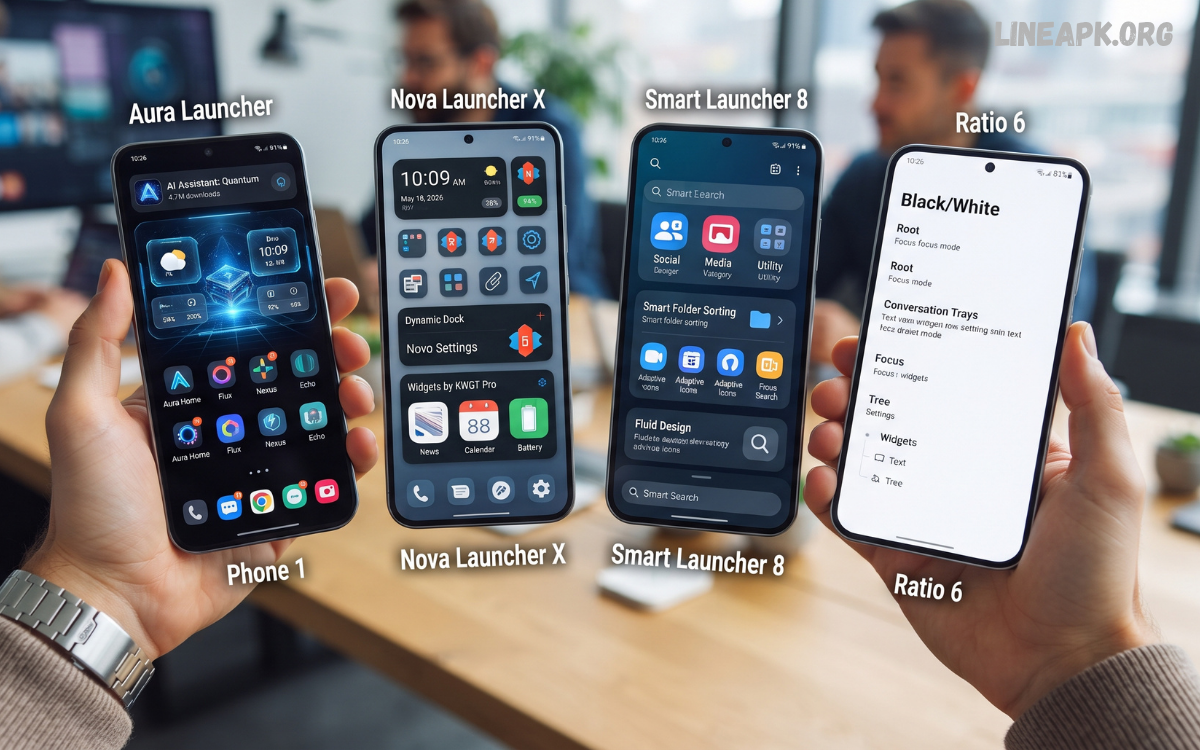
Android continues to dominate the smartphone market because of its unmatched flexibility and customization options. One of the easiest ways to personalize an Android device is by installing one of the latest launcher apps.
The latest launcher apps in 2026 are smarter, faster, and more feature-rich than ever before. Many launchers now integrate artificial intelligence, advanced gesture controls, adaptive themes, dynamic wallpapers, enhanced privacy settings, and battery optimization.
What Are Launcher Apps?
A launcher is the user interface that manages your Android home screen, app drawer, widgets, icons, folders, and navigation. Unlike system software, launchers can be replaced with third-party alternatives downloaded from trusted app stores.
Installing a launcher lets you completely redesign your smartphone without rooting your device. You can change animations, icon packs, fonts, themes, gestures, and layouts within minutes.
Why Use the Latest Launcher Apps?
Modern launchers provide several advantages over the default interface.
Better Customization
Personalize every aspect of your home screen with unique icons, themes, wallpapers, and widget arrangements.
Faster Performance
Many modern launchers are lightweight and optimized for smooth scrolling, faster animations, and quicker app launches.
Improved Productivity
Gesture shortcuts, smart folders, hidden apps, and customizable docks help users access frequently used apps instantly.
Better Organization
Create folders, categorize applications, customize app drawers, and maintain a cleaner workspace.
Privacy Features
Several launcher apps include options to hide applications, lock folders, or prevent unauthorized access.
Best Latest Launcher Apps in 2026
Nova Launcher
Nova Launcher continues to be one of the most trusted Android launchers available today.
Key Features
- Extensive customization
- Gesture controls
- Backup and restore
- Icon pack support
- Smooth performance
- Dark mode
- Custom grids
Nova Launcher remains ideal for users who enjoy complete control over every detail of their home screen.
Smart Launcher 7
Smart Launcher 7 automatically organizes applications into intelligent categories.
Highlights include:
- Automatic app sorting
- Adaptive icons
- Ambient themes
- Minimal design
- Efficient battery usage
- Smart search
Its clean interface makes navigation effortless.
Niagara Launcher
Niagara Launcher focuses on simplicity and productivity.
Advantages include:
- One-handed operation
- Minimal interface
- Fast navigation
- Notification previews
- Lightweight design
- Excellent battery optimization
This launcher is perfect for users who prefer distraction-free smartphones.
Microsoft Launcher
Microsoft Launcher is ideal for productivity enthusiasts.
Popular features include:
- Microsoft account integration
- Calendar synchronization
- To-do lists
- News feed
- Cross-device clipboard
- Personalized wallpapers
It offers excellent compatibility with Windows PCs.
Lawnchair Launcher
Lawnchair Launcher delivers the clean appearance of Google’s Pixel devices while adding extra customization.
Features include:
- Material You support
- Google Discover integration
- Custom icons
- Widget customization
- Gesture support
- Adaptive themes
Many Android enthusiasts appreciate its balance between simplicity and customization.
Hyperion Launcher
Hyperion Launcher provides advanced customization without sacrificing speed.
Highlights:
- Custom fonts
- Dock customization
- Icon editing
- Gesture controls
- Theme engine
- Smooth animations
It offers an attractive interface for experienced Android users.
Action Launcher
Action Launcher introduces unique navigation shortcuts and productivity features.
Popular tools include:
- Covers
- Shutters
- Quicktheme
- Adaptive icons
- Search shortcuts
- Gesture support
Its innovative interface continues to attract power users.
Apex Launcher
Apex Launcher remains a reliable choice for Android customization.
Features include:
- Scrollable docks
- Folder customization
- Transition animations
- Hidden apps
- Theme support
- Icon gestures
It combines performance with extensive personalization.
Read Also: Best Streaming Apps in 2026 – The Ultimate Guide to Movies, TV Shows & Live Entertainment
Minimalist Phone Launcher
Minimalist launchers are becoming increasingly popular in 2026.
Benefits include:
- Reduced screen time
- Simple interface
- Focus mode
- Minimal distractions
- Text-based icons
- Battery efficiency
AI-Powered Launcher Apps
Artificial intelligence is transforming Android launchers.
Modern AI launchers can:
- Recommend frequently used apps
- Automatically organize folders
- Adjust themes according to time
- Learn user behavior
- Improve battery management
- Optimize home screen layouts
AI integration creates a more personalized smartphone experience.
Features to Look for in the Latest Launcher Apps
When selecting a launcher, consider the following:
Custom Icons
Support for thousands of icon packs gives your device a unique appearance.
Gesture Controls
Swipe, double tap, pinch, and custom shortcuts improve navigation speed.
Widget Support
Flexible widget placement enhances productivity.
Theme Engine
Advanced themes allow complete visual customization.
Performance Optimization
Lightweight launchers reduce memory usage and improve responsiveness.
Backup and Restore
Save your settings and transfer them easily to a new device.
Security Features
Hidden apps, app lock integration, and privacy settings offer additional protection.
Latest Design Trends in Launcher Apps
Developers continue introducing innovative design improvements.
Current trends include:
- Material You customization
- Dynamic wallpapers
- Glass-style interfaces
- Rounded widgets
- Adaptive colors
- Transparent docks
- AI-generated themes
- Interactive animations
These trends create visually appealing home screens while maintaining usability.
How to Install a Launcher App
Installing a launcher is simple.
- Open the Google Play Store.
- Search for your preferred launcher.
- Download and install the app.
- Open the launcher.
- Set it as the default home application.
- Begin customizing your device.
The entire process usually takes only a few minutes.
Tips for Choosing the Best Launcher
Consider these recommendations before installing a launcher:
- Choose lightweight apps for older devices.
- Verify regular software updates.
- Read user reviews.
- Ensure compatibility with your Android version.
- Test the free version before upgrading.
- Select launchers that receive ongoing developer support.
Common Mistakes to Avoid
Avoid these common issues when using launcher apps:
- Installing too many icon packs
- Using excessive animations
- Ignoring battery optimization settings
- Downloading launchers from unknown sources
- Overloading the home screen with widgets
- Forgetting to back up your launcher settings
Are Launcher Apps Safe?
Most launcher apps available through official app stores are safe to use. Always install applications from trusted developers, review requested permissions, and keep your launcher updated to benefit from the latest security improvements.
Benefits of Using the Latest Launcher Apps
Users enjoy numerous advantages, including:
- Faster navigation
- Better organization
- Personalized appearance
- Increased productivity
- Enhanced accessibility
- Improved multitasking
- Better battery efficiency
- Modern user interface
- Flexible customization
- Seamless Android experience
Frequently Asked Questions
What are launcher apps?
Launcher apps replace your Android home screen and provide new customization features, layouts, icons, and navigation options.
Do launcher apps slow down phones?
No. Most modern launcher apps are optimized for speed and may even improve performance on many devices.
Can I uninstall a launcher anytime?
Yes. You can uninstall a launcher or switch back to your phone’s default launcher whenever you want.
Are launcher apps free?
Many launcher apps offer free versions with optional premium upgrades for advanced customization features.
Do launcher apps consume more battery?
High-quality launchers are optimized for efficiency and typically use minimal battery power.
Can launcher apps change icons?
Yes. Most launcher apps support custom icon packs and allow individual icon customization.
Do I need to root my phone?
No. Android launchers work without rooting your device.
Which launcher is best for customization?
Nova Launcher, Hyperion Launcher, and Lawnchair Launcher are among the most customizable options.
Are launcher apps compatible with all Android phones?
Most launchers support a wide range of Android devices, though some advanced features may vary by manufacturer and Android version.
Should I use the latest launcher apps?
If you want improved customization, better organization, faster navigation, and a refreshed Android experience, installing one of the latest launcher apps is an excellent choice.
Conclusion
The latest launcher apps in 2026 deliver impressive customization, speed, productivity, and modern design. Whether you prefer the extensive flexibility of Nova Launcher, the minimalist experience of Niagara Launcher, the productivity features of Microsoft Launcher, or the clean Pixel-inspired interface of Lawnchair Launcher, there is an option for every Android user.
