

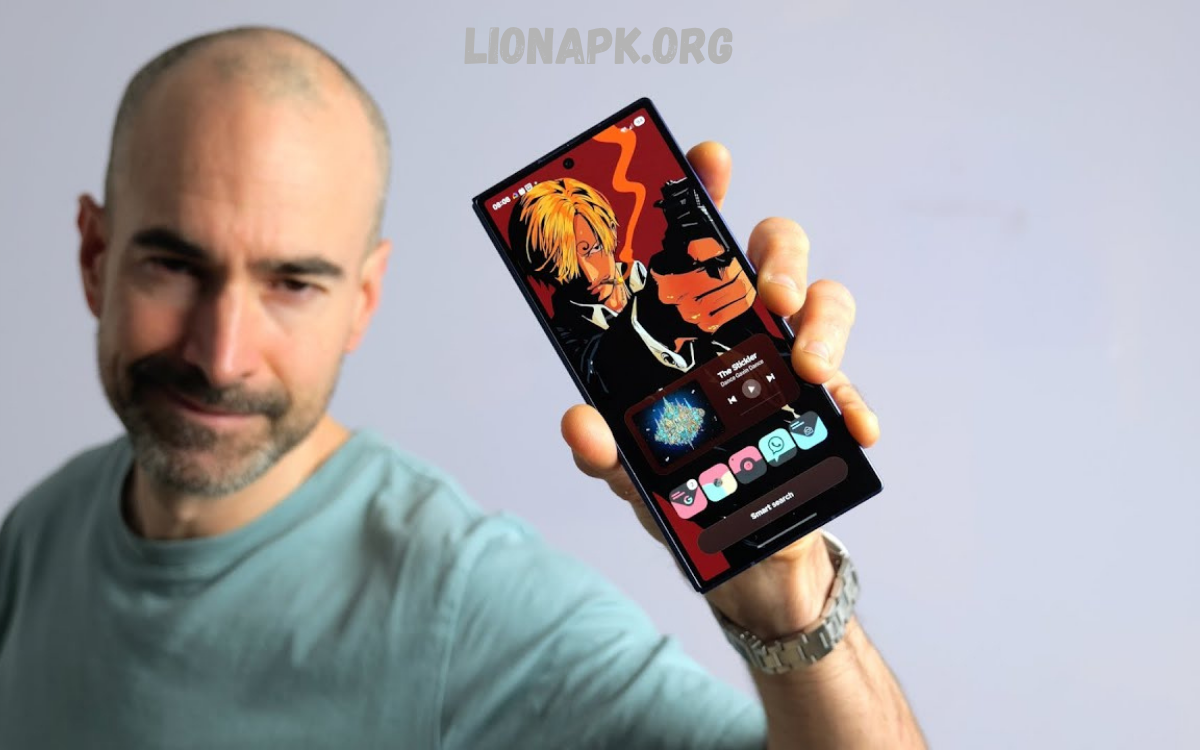
Android launcher apps are among the most effective ways to customize a smartphone’s look, feel, and functionality without changing the operating system itself. They replace the default home screen interface, allowing users to personalize app layouts, gestures, icons, animations, and even system navigation. Over the years, Android launchers have evolved from simple grid organizers into powerful productivity and design tools.
Among the most popular options is Nova Launcher, known for its speed, stability, and deep customization, making it a long-time favorite among power users. Microsoft Launcher focuses more on productivity, integrating calendar, to-do lists, and Microsoft services for users who work across devices.
Understanding Android Launchers
An Android launcher is the user interface layer that manages:
- Home screen layout
- App drawer design
- Widget placement
- Icon packs and themes
- Gestures and navigation behavior
- Search functionality
Every Android device comes with a default launcher provided by the manufacturer. However, default launchers often limit customization and flexibility. Third-party launchers solve this by allowing deep control over appearance and behavior.
The growing demand for personalization and productivity optimization has led to a wide variety of launcher apps, each designed with a unique philosophy.
Why Android Launcher Apps Matter?
Launcher apps are not just visual upgrades. They significantly influence user experience and efficiency.
Personalization
Users can redesign their home screens with custom grids, animations, and icon packs.
Performance Optimization
Some launchers are lightweight, improving speed on older devices.
Productivity Enhancement
Advanced launchers integrate calendars, task lists, and smart app sorting.
User Experience Control
Gestures, shortcuts, and navigation styles can be fully customized.
Minimalism or Complexity
Users can choose between clean, distraction-free interfaces or feature-rich environments.
Top Android Launcher Apps Overview
Below is a detailed breakdown of the Top Android Launcher Apps dominating the Android ecosystem based on usability, performance, customization, and user satisfaction.
Nova Launcher
Nova Launcher is widely regarded as one of the most powerful and reliable Android launchers available.
Key Features
- Highly customizable home screen grid
- Advanced gesture controls
- Icon pack support
- App drawer customization
- Backup and restore settings
- Smooth performance on most devices
Strengths
Nova Launcher is known for its stability and speed. It provides a near-stock Android experience with extended customization options. Users can adjust every detail, from icon size to scroll effects.
Ideal For
- Advanced users
- Android enthusiasts
- Users who prefer control and precision
Why It Stands Out
Nova Launcher balances performance and customization without compromising usability. It remains one of the most trusted names in Android customization.
Microsoft Launcher
Microsoft Launcher focuses on productivity and cross-device integration.
Key Features
- Personalized feed with calendar, news, and tasks
- Integration with Microsoft services
- Seamless PC connectivity
- Customizable gestures
- Clean and professional interface
Strengths
Microsoft Launcher transforms the smartphone into a productivity hub. It is ideal for users who rely on Microsoft Office, Outlook, and Windows ecosystem tools.
Ideal For
- Business professionals
- Students using Microsoft services
- Cross-device workflow users
Why It Stands Out
The launcher bridges mobile and desktop productivity, making it one of the strongest options for workflow efficiency.
Niagara Launcher
Niagara Launcher is designed around minimalism and simplicity.
Key Features
- Vertical scrolling app list
- One-handed usability
- Minimal home screen design
- Notification previews on home screen
- Lightweight performance
Strengths
Niagara Launcher eliminates distractions and focuses on speed and simplicity. It is especially useful for users who want quick access to apps without visual clutter.
Ideal For
- Minimalist users
- One-handed smartphone users
- Users who prefer distraction-free environments
Why It Stands Out
Its unique interface completely redefines traditional Android home screens, focusing on usability rather than complexity.
Lawnchair Launcher
Lawnchair Launcher offers a Pixel-like experience with additional customization options.
Key Features
- Google Pixel style interface
- Adaptive icons and themes
- Customizable app drawer
- Integration with Google feed
- Lightweight and smooth performance
Strengths
It delivers a clean Android experience while still allowing personalization. It is ideal for users who like stock Android aesthetics but want more flexibility.
Ideal For
- Pixel-style interface lovers
- Users who prefer simplicity with customization
- Android purists
Why It Stands Out
Lawnchair provides a balance between stock Android design and advanced customization.
Smart Launcher 6
Smart Launcher focuses on automation and intelligent organization.
Key Features
- Automatic app categorization
- Adaptive home screen layout
- Built-in search engine
- Customizable themes
- Efficient resource usage
Strengths
Smart Launcher reduces manual organization by automatically sorting apps into categories like communication, games, and utilities.
Ideal For
- Users with many apps installed
- Organization-focused users
- Efficiency seekers
Why It Stands Out
Its smart categorization system reduces clutter and improves navigation speed.
Action Launcher
Action Launcher combines speed, customization, and productivity features.
Key Features
- Quicktheme color adaptation
- Covers and shutters for widgets
- Pixel-style interface options
- App shortcuts and gestures
- Customizable search bar
Strengths
Action Launcher introduces innovative interaction features that improve productivity and accessibility.
Ideal For
- Power users
- Productivity-focused individuals
- Users who want innovative controls
Why It Stands Out
Its unique feature set offers a blend of creativity and functionality.
Apex Launcher
Apex Launcher is known for flexibility and classic Android customization.
Key Features
- Custom grid layouts
- Transition effects
- Icon pack compatibility
- Advanced drawer settings
- Backup and restore options
Strengths
Apex Launcher provides a traditional customization experience with modern improvements.
Ideal For
- Long-time Android users
- Customization enthusiasts
- Users who prefer classic layouts
Why It Stands Out
It remains a reliable choice for users who want deep customization without complexity.
Hyperion Launcher
Hyperion Launcher is a modern, feature-rich launcher with smooth performance.
Key Features
- Smooth animations
- Google Feed integration
- Custom icon shapes
- Advanced theming options
- Privacy-focused design
Strengths
Hyperion combines modern design principles with strong customization features.
Ideal For
- Design-conscious users
- Android customization enthusiasts
- Users seeking a modern UI experience
Why It Stands Out
It delivers a premium feel with balanced performance and design flexibility.
How to Choose the Right Launcher
Selecting from the Top Android Launcher Apps depends on user priorities.
Choose Based on:
Performance Needs
- Lightweight launchers: Niagara, Lawnchair
- Feature-rich launchers: Nova, Action Launcher
Productivity Requirements
- Microsoft Launcher
- Smart Launcher
Customization Level
- High customization: Nova, Apex, Action Launcher
- Moderate customization: Lawnchair, Hyperion
Design Preference
- Minimalist: Niagara
- Modern UI: Hyperion
- Stock Android style: Lawnchair
Benefits of Using Android Launcher Apps
Using a third-party launcher provides multiple advantages:
- Enhanced visual control
- Improved device organization
- Faster navigation
- Better productivity integration
- Personalized user experience
- Extended device lifespan through lightweight performance options
Frequently Asked Questions
What is an Android launcher app?
An Android launcher app is a home screen interface replacement that controls how apps, widgets, icons, and menus appear and function on a device.
Are Android launcher apps safe to use?
Yes, most launcher apps available on trusted platforms are safe. It is recommended to download only well-known and verified launchers to avoid security risks.
Do launcher apps slow down a phone?
Not necessarily. Lightweight launchers can improve performance on older devices, while heavy, feature-rich launchers may use more system resources.
Can I uninstall a launcher app at any time?
Yes, launcher apps can be uninstalled like regular applications. After removal, the phone will revert to its default system launcher.
Which is the best launcher app for customization?
Nova Launcher is widely considered one of the best options for deep customization, offering advanced control over layouts, gestures, and icons.
Which launcher is best for productivity?
Microsoft Launcher is designed for productivity, integrating calendars, tasks, and Microsoft services for better workflow management.
Conclusion
The Top Android Launcher Apps redefine how users interact with Android smartphones. Each launcher brings a unique philosophy, whether it is the deep customization of Nova Launcher, the productivity focus of Microsoft Launcher, or the simplicity of Niagara Launcher.
Choosing the right launcher depends on personal workflow, design preference, and usability expectations. With the right selection, an Android device becomes more than just a communication tool; it becomes a personalized digital environment optimized for efficiency, comfort, and style.
