

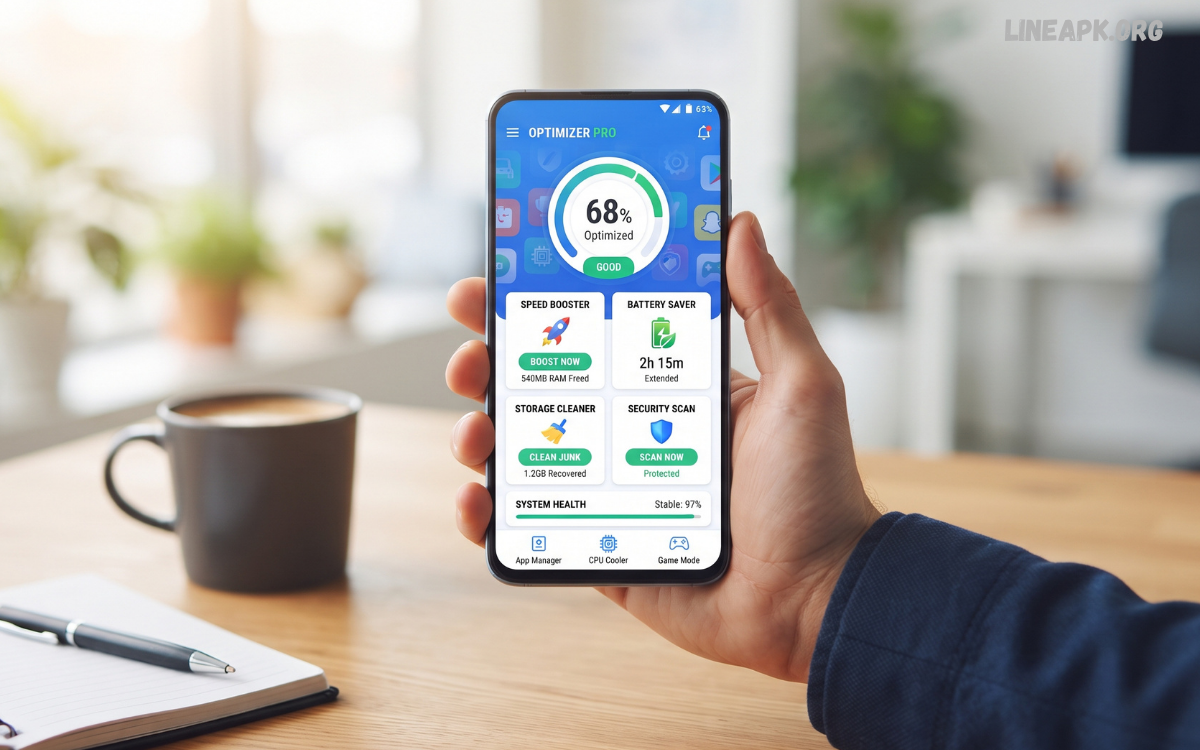
Smartphones have become essential tools for communication, entertainment, productivity, gaming, and everyday tasks. As users install more applications, store larger files, and run demanding services, Android devices can gradually experience reduced performance.
Modern optimization apps are designed to help users understand how their phones are being used and identify areas that may require attention. Depending on the application, features can include storage analysis, battery monitoring, app management, cache management, memory monitoring, privacy checks, and device diagnostics.
What Are Android Optimization Apps?
Android optimization apps are utilities designed to help users monitor, organize, and maintain different aspects of an Android smartphone or tablet. They can provide information about storage consumption, battery usage, installed applications, large files, background processes, and other system resources.
Some apps concentrate on a single purpose, such as storage management or battery monitoring, while others combine several maintenance features into one interface. The most useful applications provide clear information and allow users to make informed decisions instead of promising unrealistic performance improvements.
Why Android Optimization Matters in 2026
Android smartphones are becoming more powerful, but modern applications are also becoming more demanding. High-resolution photos and videos, large games, streaming services, social media platforms, and productivity applications can consume substantial storage and system resources.
When storage becomes heavily occupied, managing files can become more difficult. Large numbers of unused applications can also create unnecessary clutter. Meanwhile, poorly configured applications may continue using battery or mobile data in the background.
Key Features of Android Optimization Apps
Storage Management
Storage management is one of the most practical features offered by optimization applications. These tools can analyze internal storage and categorize files according to their type or size.
Users may discover large videos, duplicate files, downloaded documents, unused applications, or other items occupying significant space. Removing genuinely unnecessary files can create additional room for important content.
Cache and Temporary File Management
Some applications create temporary files during normal operation. Over time, these files can accumulate and consume storage.
Optimization tools may identify certain temporary data and provide options for clearing it. However, users should avoid blindly deleting application data because doing so can remove saved settings, downloads, or login information.
Battery Monitoring
Battery monitoring helps users understand which applications and services consume the most power.
An optimization app may display battery usage patterns, screen activity, background consumption, and charging information. This can help identify applications that unnecessarily use power.
Application Management
Application management allows users to review installed software and remove applications they no longer need.
Over time, smartphones can accumulate games, utilities, social applications, shopping platforms, and other software that is rarely used. Removing unnecessary applications can free storage and reduce digital clutter.
Duplicate File Detection
Duplicate photographs, videos, documents, and downloads can consume considerable storage.
Some Android optimization apps scan folders and identify files that appear to be duplicates. Before deleting anything, users should compare the files and confirm that an unnecessary copy exists.
Large File Analysis
Large-file analysis provides a visual overview of the files consuming the most storage.
Instead of searching through folders manually, users can quickly identify large videos, installation packages, archived files, or other content.
Benefits of Using Android Optimization Apps
Better Storage Organization
One of the biggest advantages is improved organization. Users can quickly understand where their storage space is going and remove unnecessary content.
Easier Device Maintenance
Optimization apps bring several maintenance tools together, making routine device management more convenient.
Improved Awareness of Battery Usage
Battery reports can help users understand which applications consume the most energy and make better decisions about background activity.
Faster Problem Identification
Performance monitoring can help users recognize unusual storage growth, excessive battery consumption, or applications that behave unexpectedly.
Cleaner Digital Environment
Removing unused applications and unnecessary files can make a smartphone easier to manage and navigate.
How to Choose the Best Android Optimization Apps
Not every optimization application provides the same quality or functionality. Users should evaluate several factors before installing one.
Check Developer Reputation
Choose applications from established and reputable developers. Look at the developer information, update history, and overall reputation before installation.
Review Permissions
Permissions should match the application’s purpose. A simple storage-management tool should not require excessive access unrelated to its core functionality.
Read Recent Reviews
User reviews can reveal recurring problems such as aggressive advertisements, unnecessary notifications, crashes, or misleading features. Focus particularly on recent reviews because applications can change significantly after updates.
Look for Transparent Features
A trustworthy optimization application should explain what it does. Avoid tools that make unrealistic promises about transforming an older device into a completely new one.
Consider Built-In Android Tools
Before installing additional software, check the optimization and storage controls already available on your Android device. Additional applications are not always necessary.
Android Optimization Apps vs Built-In Android Tools
Android provides built-in features for managing applications, storage, battery usage, permissions, and other device settings. These controls are often sufficient for routine maintenance.
Third-party optimization apps can be useful when they provide advanced analysis, duplicate detection, storage visualization, or additional monitoring features.
Safe Ways to Optimize an Android Phone
Optimization should focus on responsible maintenance rather than aggressive system changes.
First, review installed applications regularly and remove software that is no longer needed. Next, examine storage usage and transfer important photos or videos to an appropriate backup location when necessary.
Read Also: RAM Cleaner Apps: A Professional Guide to Improving Android Performance
Common Mistakes to Avoid
Installing Too Many Cleaner Apps
Multiple cleaner or optimization applications can create unnecessary background activity. One reliable solution is generally better than several overlapping utilities.
Deleting Important Files
Never delete files simply because an optimization app labels them as large or unnecessary. Review their names, locations, and contents first.
Clearing Application Data Unnecessarily
Clearing application data is different from removing temporary files. It can reset an application and potentially remove locally stored information.
Trusting Unrealistic Performance Claims
No optimization app can magically increase the physical capabilities of a smartphone. Software tools can improve organization and help manage resources, but hardware limitations remain.
Ignoring Security
Optimization should never come at the expense of privacy or security. Use reputable applications and review their permissions before granting access.
Android Optimization Apps for Gaming
Mobile gaming can place significant demands on a smartphone. Large games may require substantial storage, while extended gaming sessions can increase battery consumption and device temperature.
Optimization tools can help gamers identify storage issues and monitor battery usage. However, users should be cautious with applications that claim to provide guaranteed FPS increases or unlimited performance improvements.
Do Optimization Apps Really Make Android Faster?
The answer depends on the condition of the device and what the application actually does.
Removing unnecessary files can free storage, and uninstalling unused applications can reduce clutter. Identifying resource-heavy applications can also help users change settings or remove problematic software.
Best Practices for Long-Term Android Performance
Maintaining smartphone performance is an ongoing process rather than a one-time task. Keep your device updated, maintain reasonable free storage, remove applications you no longer use, and review battery consumption periodically.
Back up important files before performing major cleanup operations. Download applications only from trusted sources, and carefully examine permissions.
Future of Android Optimization Apps in 2026
The future of Android optimization apps is increasingly connected with automation and artificial intelligence. Modern tools can potentially provide more personalized recommendations based on individual usage patterns.
Instead of simply displaying a list of large files, future optimization solutions may offer clearer explanations about why storage is being consumed and which actions are most useful.
Frequently Asked Questions
Are Android optimization apps necessary?
Not always. Android already provides several built-in maintenance features. Third-party applications can be useful when they offer additional analysis or organization tools.
Can optimization apps increase phone speed?
They may improve performance indirectly by helping remove unnecessary files or applications, but they cannot overcome hardware limitations.
Are Android optimization apps safe?
Reputable applications can be safe, but users should check the developer, permissions, reviews, and privacy practices before installation.
Should I install multiple optimization apps?
Usually, no. Multiple applications with overlapping functions can create unnecessary clutter and background activity.
Can optimization apps improve battery life?
Battery-monitoring features can help identify applications that consume excessive power. However, results depend on the device, settings, applications, and usage habits.
Should I regularly clear my RAM?
Android generally manages memory automatically. Users usually do not need to repeatedly clear RAM unless troubleshooting a specific problem.
Can optimization apps delete important files?
Some applications provide automated cleanup features, so users should review suggested files before confirming deletion.
Are built-in Android tools better than third-party apps?
Built-in tools are often sufficient for basic maintenance. Third-party apps can provide additional features such as detailed storage analysis or duplicate-file detection.
How often should I optimize my Android phone?
A monthly review of storage, applications, battery usage, and permissions is a practical routine for many users.
What is the safest optimization strategy?
Use Android’s built-in controls, install only trusted utilities, maintain sufficient free storage, keep software updated, and review cleanup suggestions before deleting anything.
Conclusion
Android optimization apps can be valuable tools for maintaining an organized and efficient smartphone when used responsibly. Their most useful functions include storage analysis, application management, battery monitoring, duplicate-file detection, and device diagnostics.
The best approach is not to rely on aggressive cleaning or unrealistic performance claims. Instead, users should combine trusted optimization tools with Android’s built-in features and good maintenance habits.
