

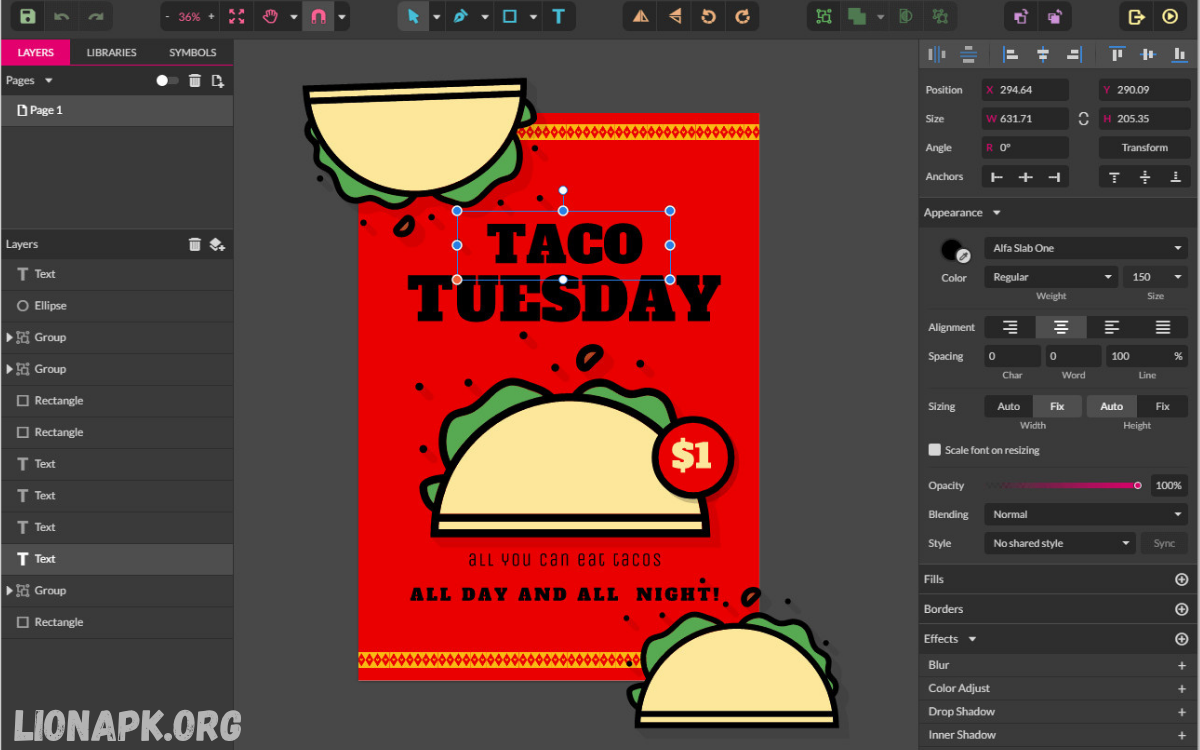
Graphic design continues to shape modern branding, marketing, advertising, publishing, and digital communication. Businesses, agencies, freelancers, and creative professionals depend on powerful design software to create compelling visuals that attract audiences and strengthen brand identity.
Professional designers require software that delivers precision, flexibility, advanced editing capabilities, cloud collaboration, and compatibility with multiple file formats. Whether designing social media graphics, logos, brochures, websites, presentations, illustrations, or marketing campaigns, selecting the right application makes every project more efficient.
Why Choosing the Right Graphic Design App Matters
Graphic design software has evolved far beyond simple image editing. Modern applications combine illustration, typography, photo manipulation, UI design, vector graphics, motion graphics, collaboration, and AI-powered productivity features within integrated ecosystems.
Professional designers benefit from software that offers:
- High-performance editing
- Non-destructive workflows
- Cloud synchronization
- Cross-platform compatibility
- Advanced typography
- Extensive plugin support
- Professional export options
- Team collaboration
- AI-assisted design tools
- Regular updates
Investing in the right design application saves time while improving consistency and creative output.
Adobe Photoshop
Adobe Photoshop remains one of the Best Apps for Graphic Design because of its unmatched image editing capabilities. Professionals across photography, advertising, publishing, fashion, entertainment, and digital marketing rely on Photoshop every day.
Key features include:
- Advanced photo manipulation
- Layer-based editing
- AI-powered object selection
- Smart Objects
- Professional retouching
- Digital painting
- Custom brushes
- Content-aware editing
- Extensive plugin ecosystem
Photoshop excels in creating advertisements, website graphics, banners, social media content, product mockups, and promotional materials.
Its seamless integration with other Adobe applications strengthens professional workflows.
Adobe Illustrator
Adobe Illustrator serves as the industry standard for vector graphics. Designers creating scalable artwork appreciate its precision and flexibility.
Popular uses include:
- Logo design
- Brand identity
- Packaging
- Infographics
- Icons
- Technical illustrations
- Print graphics
Illustrator offers:
- Infinite scalability
- Precision pen tools
- Gradient meshes
- Advanced typography
- Pattern creation
- Artboards
- Variable fonts
- Professional color management
Businesses requiring consistent branding often rely on Illustrator because vector graphics maintain quality across every size.
Adobe InDesign
Publishing professionals consistently rank Adobe InDesign among the Best Apps for Graphic Design.
Its layout capabilities support:
- Books
- Magazines
- Brochures
- Newspapers
- Catalogs
- Corporate reports
- Digital publications
- Interactive PDFs
Advanced typography, paragraph styles, master pages, and automated layouts help designers complete large publishing projects efficiently.
Marketing agencies frequently use InDesign to produce polished print and digital marketing materials.
Canva
Canva has transformed graphic design by making professional-quality templates accessible to everyone.
Professional teams use Canva for:
- Social media graphics
- Presentations
- Marketing campaigns
- Posters
- Flyers
- Business cards
- Infographics
- Video content
Notable features include:
- Thousands of templates
- Brand kits
- Team collaboration
- Cloud storage
- AI-powered design suggestions
- Drag-and-drop editing
- Stock image library
- One-click resizing
Although advanced designers still prefer specialized software for complex projects, Canva dramatically accelerates content production.
Affinity Designer
Affinity Designer has become a respected alternative to subscription-based software.
Professional advantages include:
- One-time purchase
- Vector and raster editing
- Fast performance
- Precision drawing tools
- Unlimited artboards
- Advanced grids
- Professional typography
- CMYK support
Many freelancers choose Affinity Designer because it offers professional capabilities without recurring monthly costs.
Its performance remains impressive even when handling complex illustrations.
CorelDRAW
CorelDRAW has maintained its reputation among professional designers for decades.
Industries commonly using CorelDRAW include:
- Printing
- Sign making
- Textile design
- Packaging
- Marketing
- Manufacturing
Important features include:
- Vector illustration
- Layout design
- Multi-page editing
- Font management
- Image tracing
- Color management
- Professional print preparation
CorelDRAW continues to appeal to print professionals who require reliable production tools.
Figma
Figma dominates modern interface and collaborative design.
Professional teams use Figma for:
- UI design
- UX design
- Website prototypes
- Mobile applications
- Design systems
- Wireframes
- Team collaboration
Major strengths include:
- Browser-based workflow
- Real-time collaboration
- Version history
- Interactive prototypes
- Developer handoff
- Cloud synchronization
- Extensive plugin library
Product designers value Figma because entire teams can work simultaneously on shared projects.
Read Also: Best Apps for Online Business
Sketch
Sketch remains a favorite among macOS designers.
It specializes in:
- Interface design
- App design
- Website layouts
- Wireframing
- Design systems
- Interactive prototypes
Advantages include:
- Lightweight performance
- Symbols
- Shared libraries
- Reusable components
- Plugin ecosystem
- Developer collaboration
Many design agencies continue using Sketch for digital product development.
Procreate
Digital artists consistently include Procreate among the Best Apps for Graphic Design.
Available exclusively for iPad, Procreate offers:
- Natural drawing experience
- High-resolution canvases
- Custom brushes
- Animation support
- Time-lapse recording
- Layer management
- Professional painting tools
Illustrators appreciate its responsive Apple Pencil integration and intuitive interface.
Concept artists, comic creators, and character designers frequently rely on Procreate.
Adobe Express
Adobe Express focuses on fast content creation while maintaining professional quality.
Ideal projects include:
- Social posts
- Promotional graphics
- Short videos
- Flyers
- Invitations
- Marketing campaigns
- Brand assets
Features include:
- AI-generated designs
- Brand templates
- Quick editing
- Animation
- Background removal
- Social scheduling
Businesses producing high volumes of marketing content benefit from its speed and simplicity.
Essential Features Professionals Should Consider
Choosing the Best Apps for Graphic Design requires evaluating several factors.
Performance
Large projects require software capable of handling high-resolution images, multiple layers, and complex vector graphics without slowing down.
Collaboration
Cloud collaboration improves communication between designers, marketers, clients, and developers.
Compatibility
Professional software should support common file formats, including:
- PSD
- AI
- SVG
- EPS
- PNG
- JPEG
- TIFF
AI Integration
Artificial intelligence now assists designers through:
- Object removal
- Background replacement
- Image generation
- Automatic resizing
- Smart selections
- Content-aware editing
These tools reduce repetitive tasks while improving efficiency.
Typography
Professional typography tools remain essential for branding and publishing.
Look for software supporting:
- OpenType fonts
- Variable fonts
- Kerning
- Tracking
- Baseline grids
- Character styles
- Paragraph styles
Export Options
Designers often deliver assets across multiple platforms.
Professional applications should export optimized files for:
- Web
- Mobile
- Social media
- Digital advertising
- Publishing
How Professionals Select Design Software
Experienced designers rarely depend on a single application.
Typical workflows include:
- Photoshop for photo editing
- Illustrator for vector graphics
- InDesign for publishing
- Figma for interface design
- Canva for rapid marketing assets
- Procreate for illustration
Using specialized software allows professionals to maximize efficiency while maintaining exceptional quality.
Tips for Improving Graphic Design Productivity
Professional designers improve workflow through consistent habits.
Effective strategies include:
- Organize project folders
- Use reusable templates
- Create brand libraries
- Master keyboard shortcuts
- Automate repetitive tasks
- Utilize cloud storage
- Maintain consistent typography
- Build reusable design systems
- Back up projects regularly
- Continue learning advanced techniques
Small workflow improvements accumulate into substantial productivity gains over time.
Future Trends in Graphic Design Software
Graphic design continues evolving alongside technological innovation.
Emerging trends include:
- AI-assisted creativity
- Real-time collaboration
- Cloud-native workflows
- Automated branding
- 3D integration
- Motion graphics
- Responsive design systems
- Generative design
- Smart content generation
- Cross-platform publishing
Professionals adopting these technologies early will remain competitive within an increasingly digital marketplace.
Frequently Asked Questions
What are the best apps for graphic design?
The best apps for graphic design include Adobe Photoshop, Adobe Illustrator, Adobe InDesign, Figma, Canva, Affinity Designer, CorelDRAW, Sketch, Procreate, and Adobe Express. The ideal choice depends on your design needs and workflow.
Which graphic design app is best for beginners?
Canva is one of the best options for beginners because of its intuitive drag-and-drop interface, ready-made templates, and easy-to-use editing tools.
What software do professional graphic designers use?
Professional graphic designers commonly use Adobe Photoshop, Adobe Illustrator, Adobe InDesign, Figma, and Affinity Designer for branding, illustration, photo editing, publishing, and UI/UX design.
Is Canva suitable for professional graphic design?
Yes. Canva is suitable for creating marketing materials, presentations, social media graphics, and business content. However, advanced projects often require professional software like Photoshop or Illustrator.
Which graphic design app is best for logo design?
Adobe Illustrator is widely considered the best choice for logo design because it creates scalable vector graphics that maintain quality at any size.
Are free graphic design apps worth using?
Yes. Many free graphic design apps offer excellent features for basic and intermediate projects. They are ideal for students, freelancers, startups, and small businesses with limited budgets.
Which app is best for UI and UX design?
Figma is one of the leading tools for UI and UX design due to its real-time collaboration, prototyping capabilities, and cloud-based workflow.
Can I use multiple graphic design apps together?
Yes. Many professionals combine multiple applications, such as Photoshop for image editing, Illustrator for vector graphics, InDesign for layouts, and Figma for interface design, to create an efficient workflow.
How do I choose the best graphic design app?
Consider your project requirements, budget, experience level, collaboration needs, supported file formats, and required features before selecting the best graphic design app for your workflow.
Conclusion
Selecting the best apps for graphic design depends on project requirements, budget, workflow, and creative goals. Adobe Photoshop continues to lead image editing, while Illustrator remains the preferred solution for vector graphics.
Professional designers often combine multiple applications to build efficient workflows that deliver exceptional results. Understanding each platform’s strengths allows creatives to select the right tools for every project while maintaining productivity, consistency, and design excellence.
