

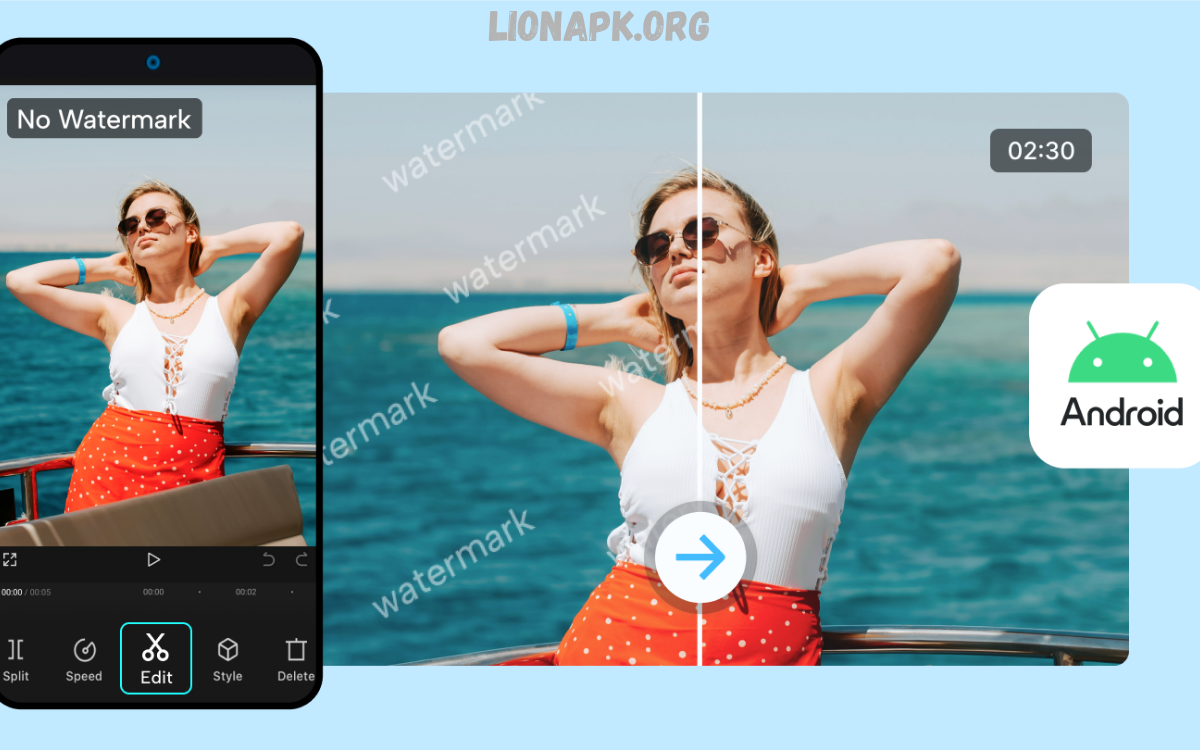
Video content dominates social media, marketing campaigns, educational platforms, and entertainment channels. High-quality, engaging videos are essential for capturing audience attention, conveying messages effectively, and establishing brand credibility.
Video editing apps without watermark provide a solution, allowing creators to produce polished content without intrusive branding or restrictions. These apps offer a wide range of features, including trimming, cutting, transitions, filters, text overlays, motion graphics, and audio editing, all while enabling clean exports suitable for professional use.
Importance of Watermark-Free Video Editing
Watermarks represent a persistent challenge in video production. Many free editing tools attach branding to exports, compromising professional appearance. Removing watermarks often requires costly subscriptions, reducing the cost-effectiveness of video creation. Watermark-free apps allow creators to:
- Maintain brand consistency.
- Deliver professional-quality content.
- Customize content without distraction.
- Share videos across multiple platforms without licensing issues.
Selecting the right app ensures that creators produce polished videos while leveraging advanced editing tools without compromise.
Top Mobile Video Editing Apps Without Watermark
Mobile video editing apps combine portability, ease of use, and powerful features. Modern smartphones possess hardware capable of handling high-definition video processing, making mobile apps viable alternatives to desktop software.
CapCut
Overview: CapCut delivers a complete video editing experience, combining transitions, filters, effects, and an extensive music library.
Key Features:
- Timeline editing with multiple layers.
- High-quality transitions and effects.
- Stock audio and sound effects.
- Export without watermark.
Best Use Cases: Social media videos, reels, short-form content, tutorials.
Strengths: Free, easy-to-learn interface, frequent feature updates.
VN Video Editor (VlogNow)
Overview: VN Video Editor provides advanced timeline control, allowing creators to handle multiple clips, transitions, and effects with precision.
Key Features:
- Multi-track timeline editing.
- Customizable transitions and text overlays.
- Advanced trimming and cutting options.
- High-quality watermark-free export.
Best Use Cases: Vlogs, YouTube content, intermediate editing projects.
Strengths: Powerful tools for free, cross-platform compatibility.
LightCut
Overview: LightCut leverages AI-assisted editing to automatically generate polished videos from raw footage.
Key Features:
- Automatic scene detection and editing.
- Pre-made templates for reels and short clips.
- Music synchronization and effects application.
- Export without watermark.
Best Use Cases: Quick social media content, promotional videos, automated highlights.
Strengths: Minimal manual effort, ideal for rapid content production.
Read Also: Music Downloader APK – Safe, Efficient, Legal Solutions for Android Users
YouCut
Overview: YouCut specializes in trimming, cutting, adding filters, and creating social media-ready video ratios.
Key Features:
- Timeline editing and trimming tools.
- Filter and effect library.
- Customizable aspect ratios for social platforms.
- Watermark-free export.
Best Use Cases: Instagram reels, TikTok videos, short content clips.
Strengths: Simple interface, fast exports, beginner-friendly.
Canva Video Editor
Overview: Canva Video Editor integrates graphic design with video editing, allowing visually rich, template-driven content.
Key Features:
- Pre-designed video templates.
- Graphic overlays and animated text.
- Music and stock footage library.
- Export without watermark.
Best Use Cases: Marketing videos, presentations, educational content.
Strengths: Combines design and video in one platform, ideal for professional branding.
Alight Motion
Overview: Alight Motion emphasizes motion graphics, animation, and text effects for advanced video creators.
Key Features:
- Motion graphics and vector animation tools.
- Keyframe animation and visual effects.
- Multi-layer timeline editing.
- Export without a watermark.
Best Use Cases: Animation projects, promotional videos, intros, and logo animations.
Strengths: Powerful animation tools, versatile effects library, free watermark-free exports in latest versions.
Desktop and Web Video Editing Apps Without Watermark
Desktop and web-based editors provide high computing power, extended timelines, and professional-grade features. Watermark-free options allow creators to work on larger projects, including long-form content and high-resolution exports.
DaVinci Resolve (Free)
Overview: DaVinci Resolve is a professional-grade editing suite that offers advanced editing, color grading, and audio post-production tools.
Key Features:
- Multi-track editing and timeline control.
- Professional color grading and correction.
- Audio editing with Fairlight integration.
- Export without a watermark in the free version.
Best Use Cases: Professional YouTube videos, films, documentaries, corporate videos.
Strengths: Industry-standard features, no hidden costs, powerful free edition.
Clipchamp
Overview: Clipchamp provides a web-based video editing solution that allows for fast edits without installation.
Key Features:
- Drag-and-drop editing interface.
- Stock footage, music, and templates.
- Text, overlays, and transitions.
- Export without a watermark.
Best Use Cases: Quick online projects, social media videos, marketing clips.
Strengths: Accessible from any device, lightweight platform, fast exports.
iMovie
Overview: iMovie offers a streamlined video editing experience for Apple users, combining ease of use with professional results.
Key Features:
- Timeline editing with multi-clip handling.
- Transitions, titles, and audio editing.
- Template-driven content creation.
- Export without a watermark.
Best Use Cases: Personal projects, educational content, professional Apple-based production.
Strengths: Simple, intuitive interface, excellent ecosystem integration.
Shotcut / Kdenlive
Overview: Shotcut and Kdenlive are open-source editors that provide complete control over video production without watermarks.
Key Features:
- Multi-track timeline editing.
- Advanced effects, transitions, and filters.
- Wide format compatibility.
- Free, watermark-free exports.
Best Use Cases: Independent filmmaking, YouTube content, creative projects.
Strengths: Free, highly customizable, community-supported updates.
Key Factors When Choosing Video Editing Apps Without a Watermark
Selecting the ideal video editing app requires consideration of multiple factors:
- Platform Compatibility – Mobile, desktop, or web-based options.
- Ease of Use – Beginner-friendly interfaces vs. advanced professional tools.
- Export Quality – Resolution options, frame rate support, file formats.
- Editing Features – Multi-layer timelines, effects, transitions, audio tools.
- Cost Efficiency – Free, watermark-free apps versus subscription models.
- Content Type – Social media clips, vlogs, promotional videos, educational content.
Matching app features to project requirements ensures efficient workflows and polished outputs without interference from watermarks.
Advantages of Using Video Editing Apps Without a Watermark
- Professional Appearance: Removes distractions, highlights brand identity.
- Flexible Distribution: Publish across platforms without licensing concerns.
- Cost Savings: Avoid subscription fees required for watermark removal.
- Creative Freedom: Full control over edits, branding, and design.
- Enhanced Engagement: Cleaner videos attract higher audience retention.
Frequently Asked Questions
What are video editing apps without a watermark?
Video editing apps without watermark are software or mobile applications that allow users to edit and export videos without adding a visible branding mark. These tools provide professional-quality outputs while maintaining creative control.
Why should I use apps without a watermark?
Watermarks can reduce the professional appearance of videos and distract viewers. Using watermark-free apps ensures clean, polished content, enhances brand credibility, and allows unrestricted sharing across social media, marketing campaigns, or personal projects.
Are free video editing apps always watermark-free?
Not all free apps remove watermarks. Some offer limited features or add branding to exports. It’s essential to check app specifications or opt for apps explicitly stating watermark-free exports. Popular options include CapCut, VN Video Editor, LightCut, DaVinci Resolve, and Shotcut.
Can I edit professional videos on mobile apps without a watermark?
Yes. Many mobile apps provide advanced features such as multi-track timelines, transitions, effects, and motion graphics, enabling professional-quality videos to be created directly from smartphones or tablets.
Which platforms support watermark-free video editing?
Watermark-free video editing is available on Android, iOS, Windows, macOS, and web-based platforms. Users can choose based on project complexity, device preference, and portability needs.
Conclusion
Watermark-free video editing apps have become indispensable for creators seeking professional presentation and brand consistency. Mobile apps like CapCut, VN Video Editor, and LightCut provide portable editing solutions for social content. Desktop tools like DaVinci Resolve and Shotcut offer professional-grade features for complex projects.
